
Authorized dealer · Certified installers · Charlotte, NC headquarters
360 Technology Group is an authorized Paxton dealer and certified installer
We have been selling, installing, programming and servicing Paxton systems across North and South Carolina since 2018 — more than 8 years. Our scope covers Paxton Net2 and Paxton10 systems, PaxLock wireless door hardware, Paxton Entry video intercom, readers, keypads and credentials.
- Authorized Paxton dealer — we quote and supply genuine Paxton equipment, licensing and subscriptions.
- Certified Paxton installers — our technicians install, wire, program, commission and document the system.
- Repair and takeover — we service, troubleshoot, expand and take over existing Paxton installations we did not originally install.
- 24/7 emergency service — on-call service technicians for emergency repairs, plus scheduled preventive maintenance.
We cover every city in North Carolina and South Carolina from our Charlotte headquarters. Request a quote or service call Call 704-726-4254
Paxton reader and credential guide
Readers, keypads, cards, fobs and mobile access
Choose the credential policy first, then select a reader that supports the platform, security level, mounting, environment and user workflow.
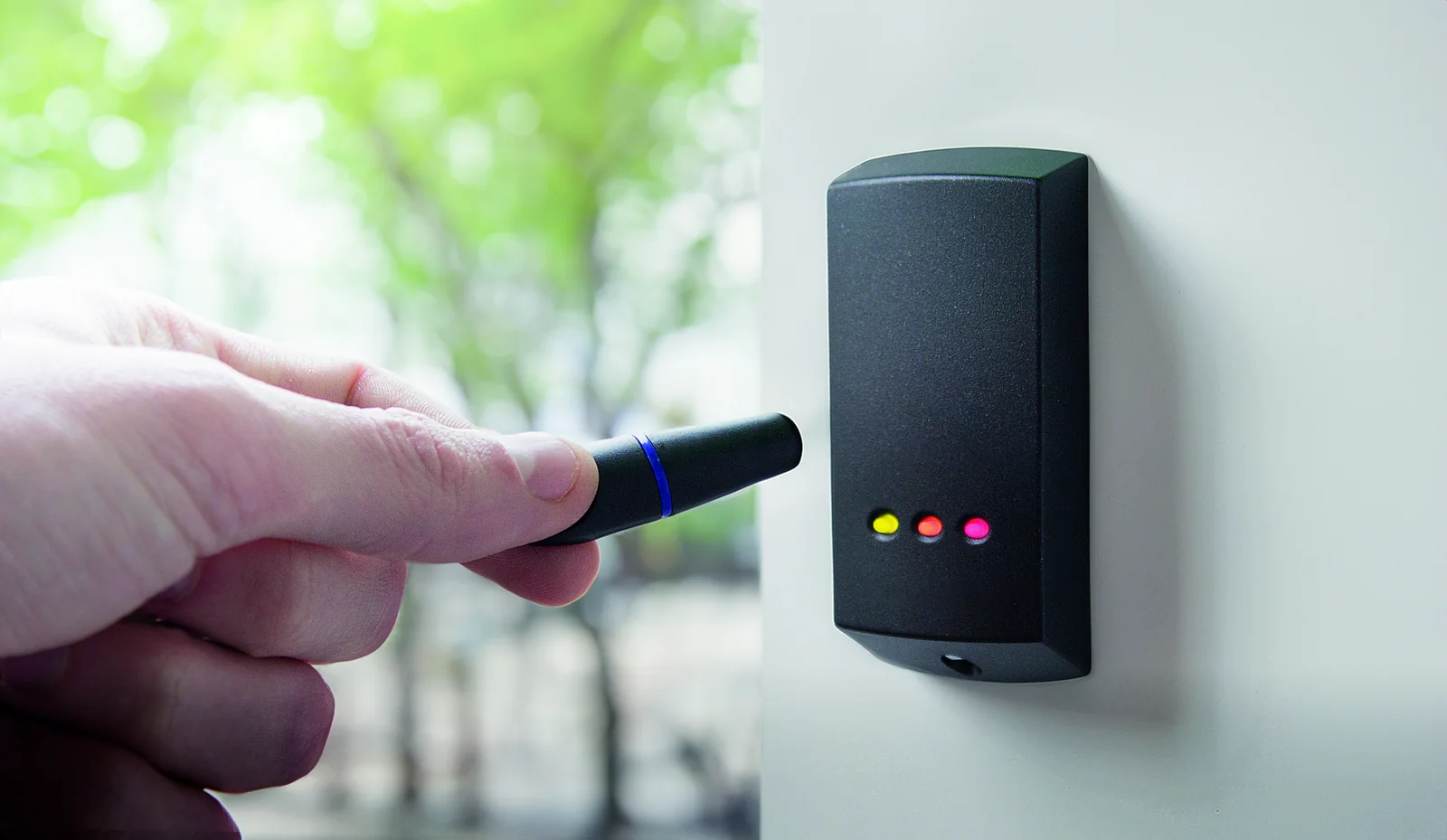
Reader families to evaluate
| Platform | Current examples | Key checks |
|---|---|---|
| Paxton10 | Slimline 010-296-US; vandal-resistant 010-254-US; reader keypad 010-721-US. | Encrypted credentials, Bluetooth use, mounting, backbox, environment and current reader firmware. |
| Net2 | P-series proximity readers, MIFARE options, metal readers, panel-mount readers and KP keypads. | Controller compatibility, token technology, existing cards, cable, format and migration path. |
| Enrollment | Paxton10 universal desktop reader and current Net2 desktop-reader options. | Supported credential technologies, workstation access, administrator role and enrollment audit. |
| Specialty | Long-range, hands-free and supported third-party reader paths. | Vehicle/user workflow, read zone, interference, security risk and supported interface. |
Credential decisions
Encrypted cards and fobs
Prefer current encrypted credentials where the selected platform and reader support them. Record technology and issuance procedure.
Bluetooth mobile credentials
Define eligible devices, enrollment, lost-phone response, shared-device restrictions and accessibility alternatives.
PIN plus credential
Use keypads only with an approved threat model, privacy approach, duress policy and user-support plan.
Existing credential reuse
Readability does not guarantee an acceptable security level. Document format, bit structure, ownership and cloning risk.
Visitor credentials
Set sponsor approval, activation, expiration, return, audit and emergency-revocation rules.
Lifecycle records
Record reader model, firmware, credential technology, keys, enrollment station, administrators and spare inventory.
Reader acceptance tests
- Authorized, denied, expired, lost and after-hours credential behavior.
- Mobile credential response with supported phones, locked screens and weak connectivity.
- Read range, orientation, adjacent-reader interference and metal mounting.
- Outdoor temperature, moisture, sunlight, vandal exposure and accessibility.
- Door-event timestamp, alarm association, video association and audit reporting.
- Administrator enrollment, revocation, replacement and emergency-disable workflow.
Official Paxton product resources
Use Paxton-owned pages for current models, release notes, manuals, technical data and software access. Product availability and specifications can change.
Choose a Paxton credential strategy
We can test existing credentials, document reader locations and build an issuance and migration plan around Paxton10 or Net2.
Credential policy determines the reader strategy
Reader selection should begin with the credential lifecycle. Decide who issues credentials, which identity attributes are required, how expiration works, how lost devices are revoked and whether visitors, contractors and employees need different enrollment paths. If an existing card population may be retained, sample cards should be read and documented before compatibility is promised.
Encrypted physical credentials
Choose a supported secure credential technology and protect enrollment keys and administration access. Avoid designing a new system around easily copied legacy identifiers merely because old cards are available.
Mobile credentials
Paxton10 can use Bluetooth smart credentials through the Paxton Key app. Define supported phones and watches, enrollment, privacy expectations, offline behavior and the process for replacing a lost or upgraded device.
Multi-factor use
Where a keypad and credential are required together, specify when both factors apply, how duress or emergency workflows behave and how temporary PINs are controlled.
Reader commissioning and handoff
Test representative credentials at every opening, verify read range and feedback, confirm denied-event reporting and document reader model, wiring, firmware, credential technology and mounting environment. The owner should receive an issuance and revocation procedure rather than only a box of unused cards and fobs.
Paxton owner, administrator and buyer resources
These owner and buyer guides connect Paxton software and hardware research with surveyed design, installation, commissioning, database protection, maintenance and field support in North and South Carolina.
Official Paxton software, firmware and support
Use these manufacturer-owned portals for current downloads, release notes, manuals, advisories and technical resources. 360 Technology Group links to official sources and does not copy or host firmware files.
Update carefully: confirm the exact model, region, hardware revision, installed version, prerequisites, required intermediate releases, support entitlement, integrations, backup, maintenance window, rollback limitations and post-update tests. The wrong package or sequence can interrupt service or prevent a downgrade.
Some portals require a customer, dealer, certified-technician or active-support login. Cloud-managed products may update automatically and may not offer a public firmware file.