
Authorized dealer · Certified installers · Charlotte, NC headquarters
360 Technology Group is an authorized Schlage dealer and certified installer
We have been selling, installing, programming and servicing Schlage systems across North and South Carolina since 2018 — more than 8 years. Our scope covers Schlage AD Series, NDE, LE and XE360 wireless locks, CTE and MTB readers and ENGAGE administration.
- Authorized Schlage dealer — we quote and supply genuine Schlage equipment, licensing and subscriptions.
- Certified Schlage installers — our technicians install, wire, program, commission and document the system.
- Repair and takeover — we service, troubleshoot, expand and take over existing Schlage installations we did not originally install.
- 24/7 emergency service — on-call service technicians for emergency repairs, plus scheduled preventive maintenance.
We cover every city in North Carolina and South Carolina from our Charlotte headquarters. Request a quote or service call Call 704-726-4254
Schlage commercial access control
Current wireless, wired, offline and reader-controller choices
Start with the opening, operating model and required response time. Then select the Schlage lock family, ENGAGE or PACS architecture, reader, credential, network path and lifecycle plan that meet those requirements.
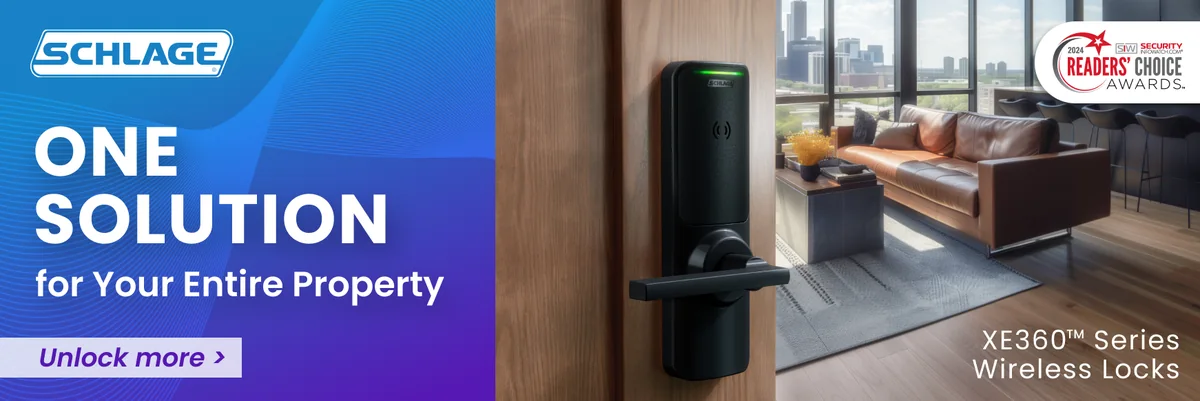
The product name is only the beginning
Schlage commercial electronic access control spans several architectures. XE360 is the newest wireless family and adds offline Bluetooth and RealSync persistent Wi-Fi options. NDE and LE extend ENGAGE to Grade 1 cylindrical and mortise openings. Control targets multifamily deadbolt and interconnected applications. The AD family remains a modular enterprise option for offline, wired and 900 MHz real-time designs. CTE, MTB readers, RC reader controllers and gateways bring perimeter or common-area openings into the same operational plan.
The right choice depends on whether the door needs immediate commands or can accept periodic updates, which credential technologies must be supported, how the access-control platform integrates, and who will maintain batteries, firmware and software. A model that fits the door mechanically can still be wrong operationally.
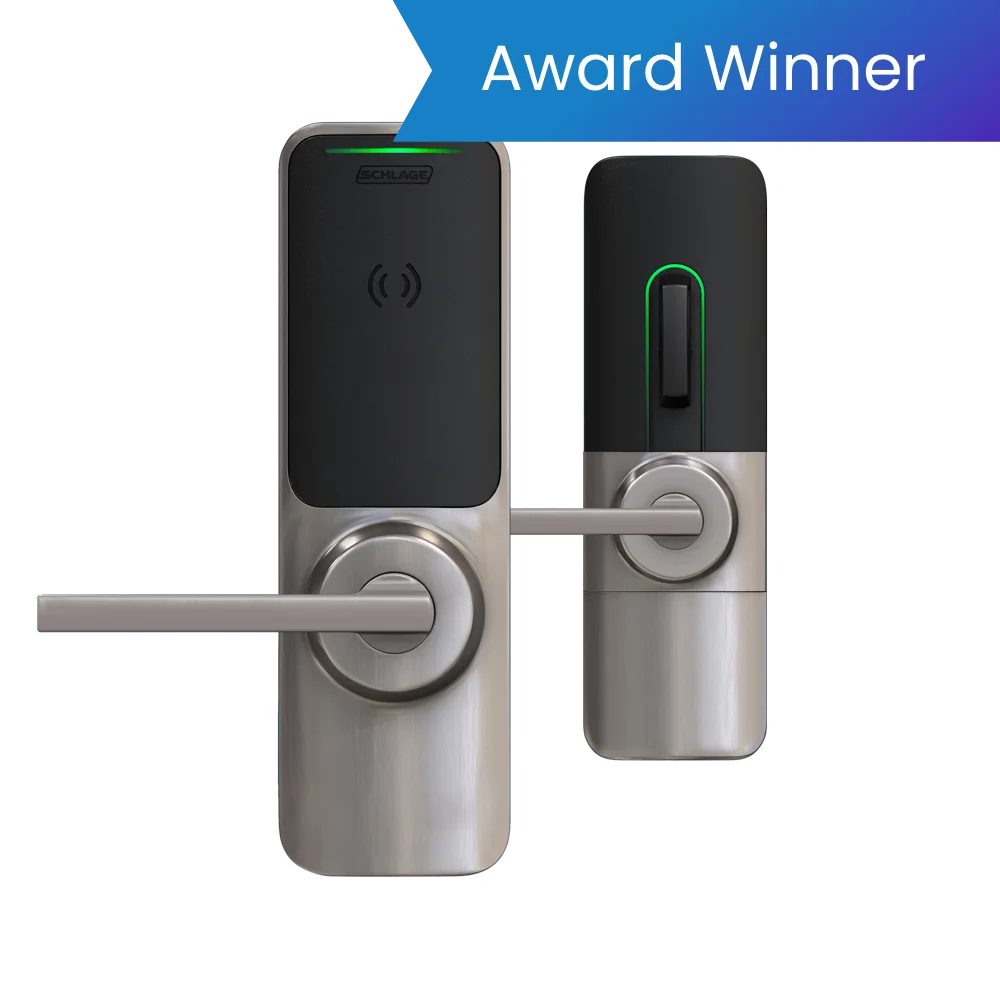
XE360 Series
Newest Schlage wireless family with tubular, mortise and exit-trim configurations, FleX Module architecture and offline Bluetooth or RealSync Wi-Fi choices.
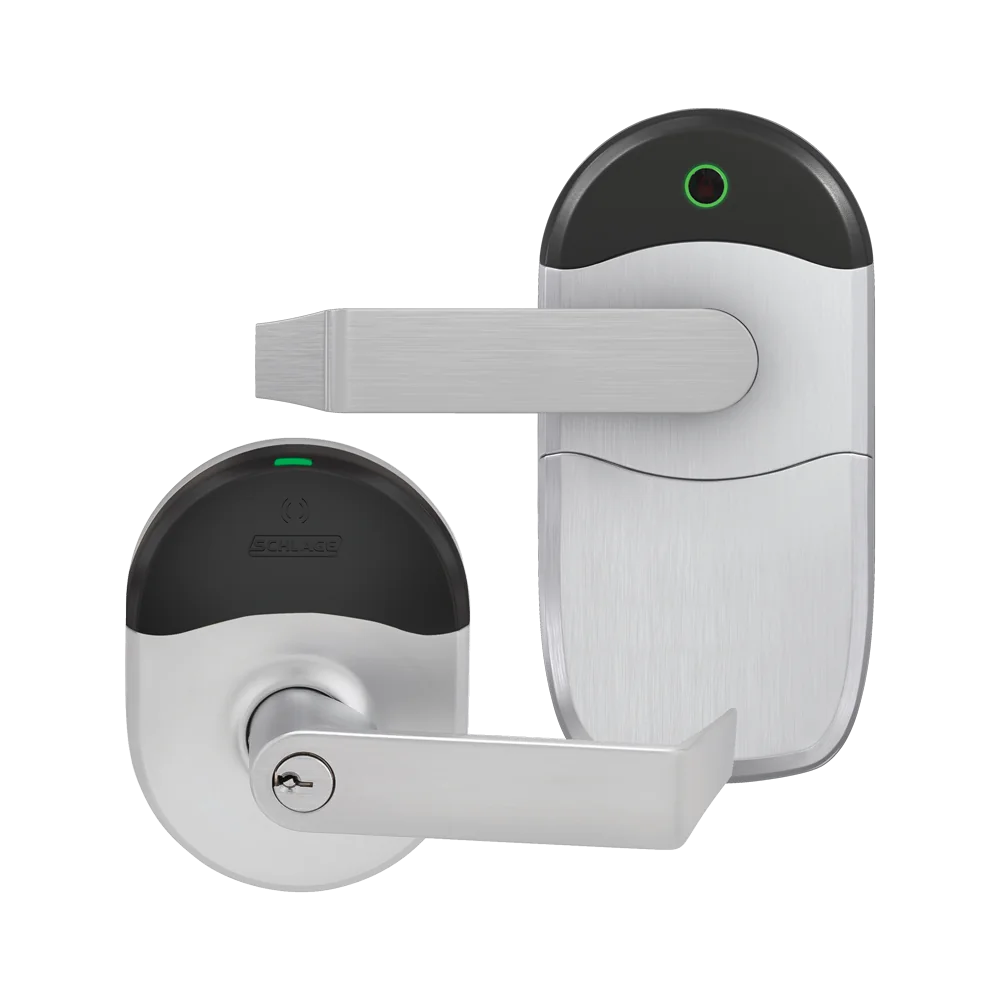
NDE and LE
Grade 1 cylindrical and mortise wireless locks for offline, No-Tour, periodic Wi-Fi or supported real-time gateway and PACS workflows.
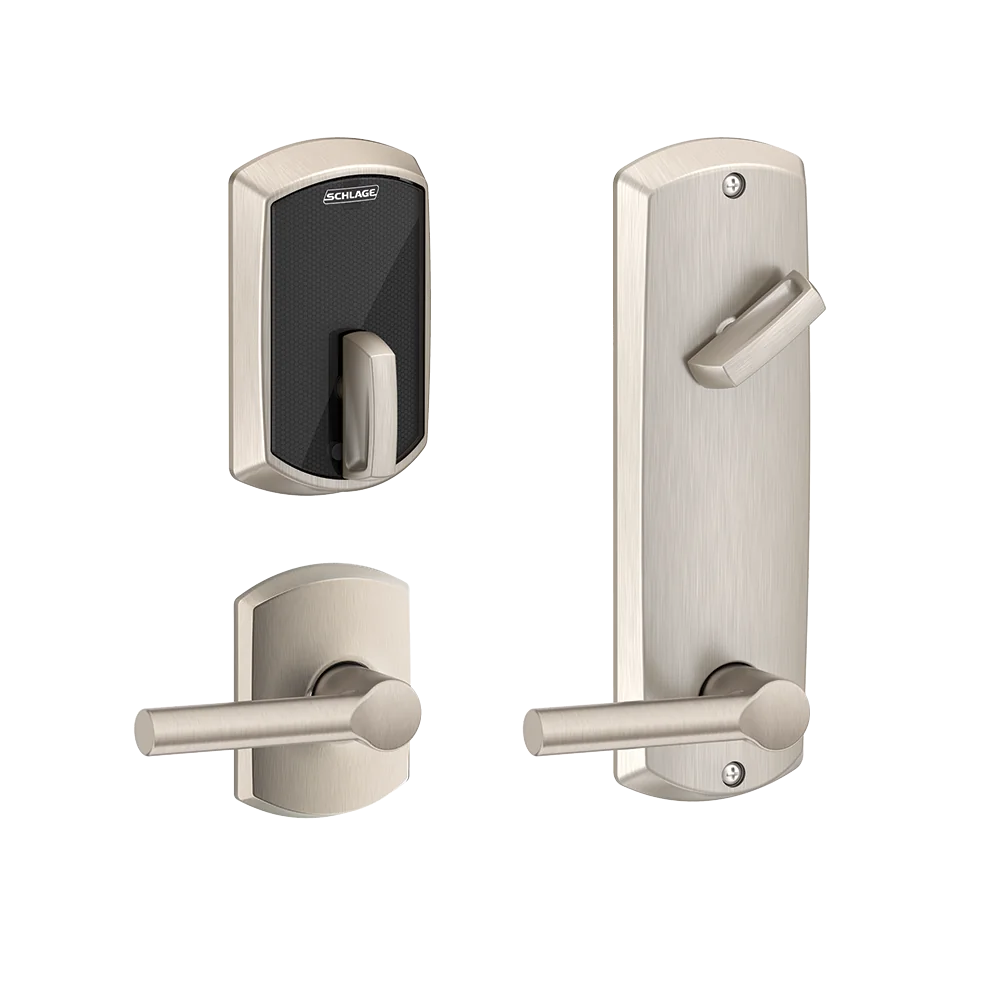
Schlage Control
Multifamily deadbolt and interconnected lock with mobile and smart credentials, No-Tour, offline or supported gateway-based real-time operation.
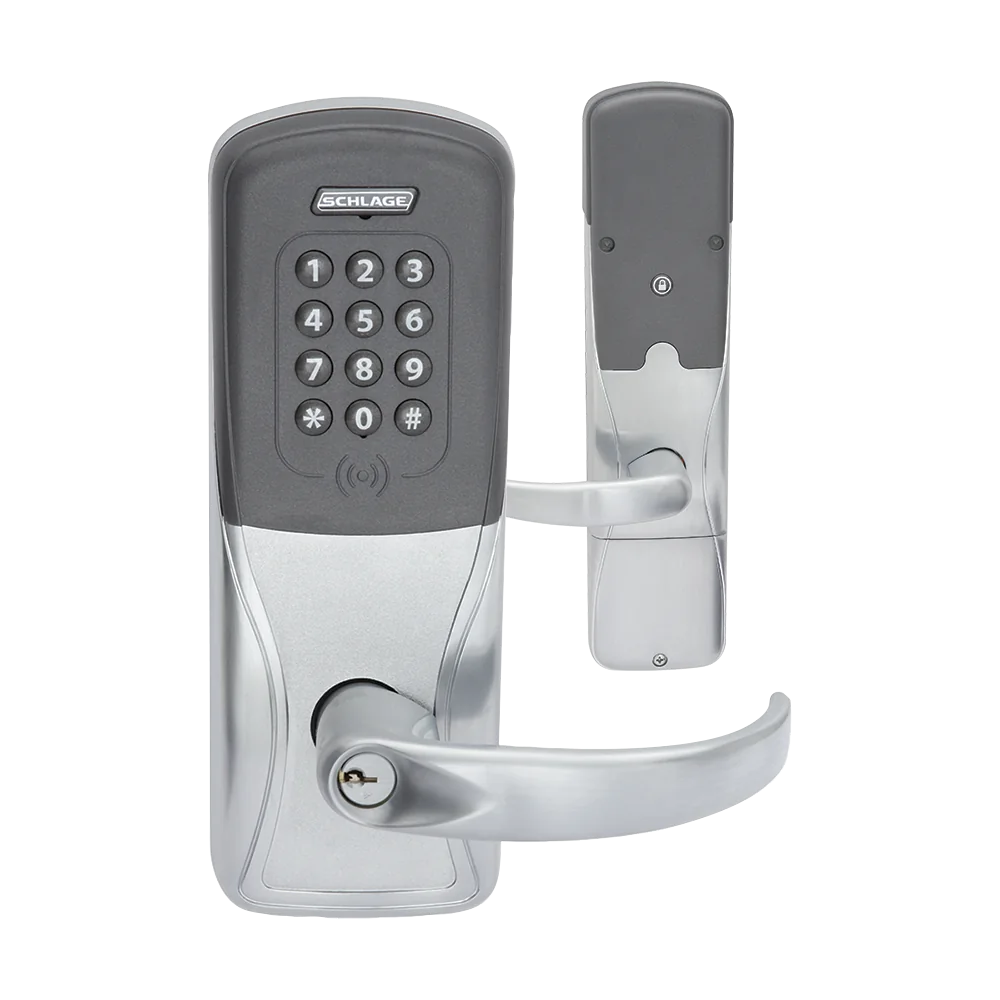
AD Series
Modular AD-200 offline, AD-300 wired and AD-400 900 MHz real-time families, plus government-specific variants and application kits.
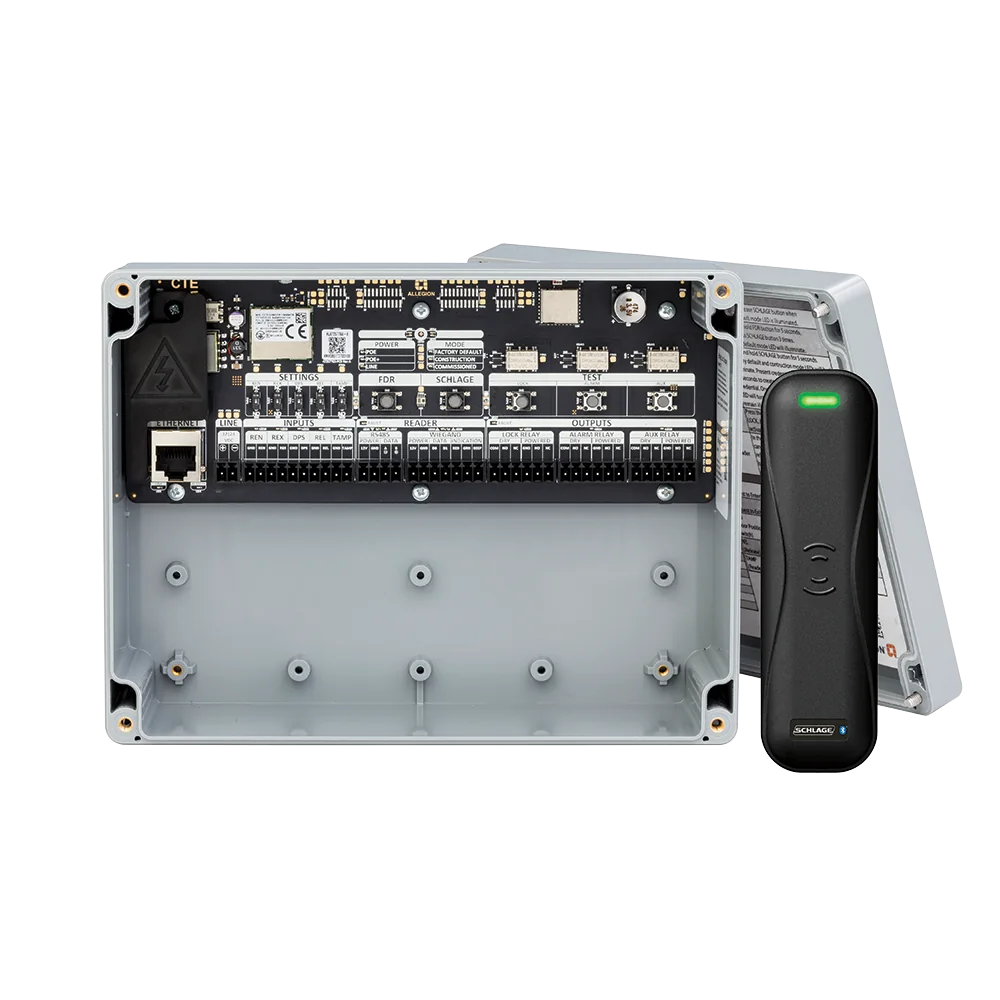
CTE and MTB readers
A single-opening controller paired with MTB11 or MTB15 multi-technology readers for wired locking hardware in ENGAGE or supported PACS designs.
Reader controllers and credentials
RC IP reader controllers, gateways, smart or mobile credentials and model-specific HID support complete the field architecture.
Select by communication and operating model
| Architecture | How it behaves | Best-fit planning questions |
|---|---|---|
| Offline / mobile update | Rights and audits reside at the device; an authorized mobile workflow commissions or updates the opening. | Who visits the door, how quickly must changes reach it, what is the audit collection procedure and how are phones governed? |
| No-Tour / data on card | Selected smart credentials carry access-right updates between the management system and compatible devices. | Which credential memory and encoding workflow are required, how are blocked cards handled, and which openings update the credential? |
| Periodic Wi-Fi | The lock stores local decisions and connects on a schedule or event to exchange changes, audits and status. | What update interval is acceptable, which SSID/security method is supported, and what occurs during network or certificate failure? |
| RealSync persistent Wi-Fi | Supported XE360 configurations maintain a persistent Wi-Fi connection for real-time operation without a separate local gateway. | Confirm PACS support, Wi-Fi design, power/battery impact, roaming, TLS/certificates, monitoring and outage behavior. |
| Gateway real-time | ENGAGE-family devices communicate by short-range radio to a GWE or supported gateway connected to the network. | Survey gateway placement, distance, obstructions, device count, UPS, network path, alarms and radio-failure response. |
| AD-400 / 900 MHz real-time | AD-400 communicates to PIM400 infrastructure using encrypted 900 MHz radio, independent of Wi-Fi. | Verify PACS/PIM integration, channel and range survey, lockdown objective, battery workflow and replacement support. |
| Wired RS-485 or IP | AD-300, RC and other supported controllers provide continuously connected wired paths. | Coordinate door cable, hinge/power transfer, controller/PACS, protocol, PoE or listed power and service access. |
A Schlage system is a chain, not an isolated lock
Credential security and migration
Schlage supports combinations of 125 kHz proximity, 13.56 MHz smart credentials, NFC, Bluetooth mobile credentials, keypad and model-specific HID technologies. Those terms are not interchangeable. The reader option and management architecture determine which credential applications, secure sectors and mobile services are actually available.
Schlage recommends moving away from unencrypted proximity technology toward encrypted smart or mobile credentials. A practical migration can use multi-technology readers temporarily, but the project should define the key owner, card format, issuance process, mobile enrollment, lost-device revocation and the date on which the weaker credential is disabled.
Standard multi-technology
Confirm the exact Schlage reader option and supported low-frequency, smart, NFC and Bluetooth credential applications.
Si HID support
AD, NDE and LE models with the Si option can support secure HID iCLASS, iCLASS SE, Seos and NFC applications; it is a model-specific option, not a universal assumption.
Mobile credentials
Document service provider, app or wallet, phone eligibility, enrollment, privacy, revocation, replacement and a no-phone alternative.
Card plus PIN
Define when dual authentication is required, PIN rules, reset, accessibility, privacy, duress and after-hours exceptions.
Mechanical override
Coordinate keyway, cylinder format, master keying, restricted-key control, emergency access and the audit gap created by a mechanical override.
Reader protocol
Prefer supervised, encrypted communication where the selected platform supports it; document every retained Wiegand path and retirement plan.
Product lifecycle and version discipline
Current Schlage pages list active XE360, NDE, LE, Control and AD products, together with firmware and installation resources. Product status must be checked at the exact model and option level. A current family can contain older hardware generations, and a firmware file can have prerequisites that do not apply to every device.
Do not copy firmware from a third-party mirror or upload it to this website. Use Schlage release notes and the ENGAGE family resource pages, verify compatibility with the installed software and integration, preserve a backup or rollback plan, and test representative openings before a broad deployment.
Schlage survey, commissioning and handoff
- Survey the opening: record door, frame, handing, lock and exit-device function, fire label, free egress, accessibility, cylinder, contact, request-to-exit and available pathways.
- Inventory technology: capture the exact model, hardware generation, reader option, credential technologies, firmware, hub or gateway, controller, software release, integration and license.
- Engineer infrastructure: document network segment, addressing, PoE or listed power, standby runtime, voltage drop, radio coverage, time service, certificates and monitoring.
- Commission every workflow: test valid, denied, expired and disabled credentials; schedules; privacy; passage; lockdown; remote commands; alarms; mobile access and mechanical override.
- Exercise failures: disconnect the server, network, gateway or hub, lock power and utility power, then verify local decisions, free egress, event buffering, alarms and recovery.
- Deliver lifecycle records: provide drawings, door schedule, configuration backup, version matrix, test results, training, spares, account ownership and links to official support.
Official product, support and download resources
Use these official Schlage and Allegion pages for current product data, installation material, version information and release notes. Some software, firmware or partner documents require an entitled account. 360 Technology Group links to official portals and does not host installers or firmware.
Build the Schlage schedule from verified doors and workflows
We can inventory an existing Schlage system or compare XE360, ENGAGE, AD Series and reader-controller options for North and South Carolina facilities.
Official Schlage software, firmware and support
Use these manufacturer-owned portals for current downloads, release notes, manuals, advisories and technical resources. 360 Technology Group links to official sources and does not copy or host firmware files.
Update carefully: confirm the exact model, region, hardware revision, installed version, prerequisites, required intermediate releases, support entitlement, integrations, backup, maintenance window, rollback limitations and post-update tests. The wrong package or sequence can interrupt service or prevent a downgrade.
Some portals require a customer, dealer, certified-technician or active-support login. Cloud-managed products may update automatically and may not offer a public firmware file.