
Authorized dealer · Certified installers · Charlotte, NC headquarters
360 Technology Group is an authorized LenelS2 dealer and certified installer
We have been selling, installing, programming and servicing LenelS2 systems across North and South Carolina since 2018 — more than 8 years. Our scope covers LenelS2 OnGuard and OnGuard Cloud, NetBox and NetBox Nodes, M-Series controllers, BlueDiamond readers and mobile credentials.
- Authorized LenelS2 dealer — we quote and supply genuine LenelS2 equipment, licensing and subscriptions.
- Certified LenelS2 installers — our technicians install, wire, program, commission and document the system.
- Repair and takeover — we service, troubleshoot, expand and take over existing LenelS2 installations we did not originally install.
- 24/7 emergency service — on-call service technicians for emergency repairs, plus scheduled preventive maintenance.
We cover every city in North Carolina and South Carolina from our Charlotte headquarters. Request a quote or service call Call 704-726-4254
LenelS2 NetBox planning
Browser-based NetBox access control from appliance to enterprise
Start with the current NetBox release and required portal, user and integration capacity, then choose the appliance, Enterprise or virtual architecture and the Nodes, video and clients that support it.
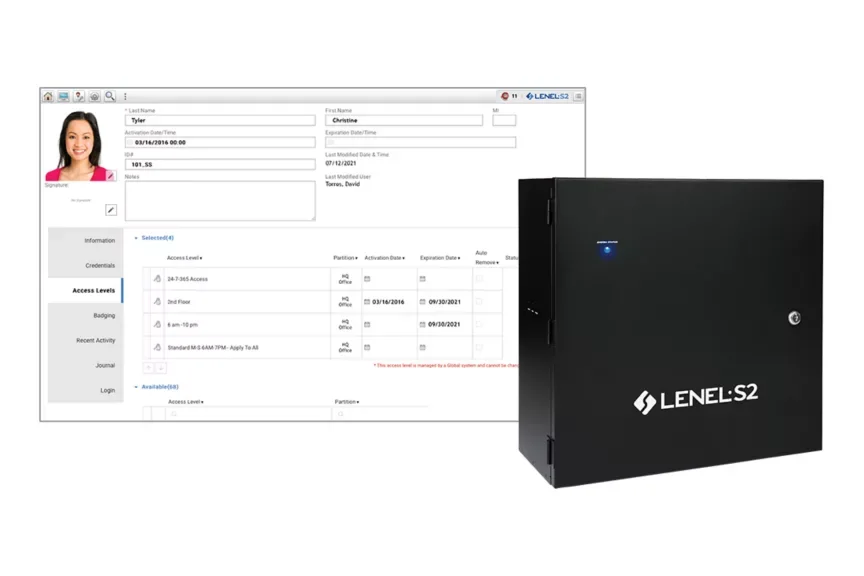
NetBox is a browser-based LenelS2 ecosystem
NetBox combines access control and event monitoring in a browser-accessible operating environment. Public product information includes person and credential management, alarm monitoring, threat-level response, reporting, database partitioning, video integration and an open API.
The current manufacturer resource list identifies NetBox version 6.4. Existing systems may be on earlier releases, so the design must inventory the controller, software, Nodes, browsers, credentials and integrations before assuming current features can be enabled directly.
| NetBox family | Published capacity reference | When to evaluate it |
|---|---|---|
| NetBox | Up to 32 portals, 32 Nodes and five simultaneous users; 20,000 cardholders. | Single sites and field offices that fit the appliance, user, portal and integration limits. |
| NetBox Extreme | Up to 128 portals and ten simultaneous users. | Larger sites that need more portal capacity while retaining the browser-based operating model. |
| NetBox Enterprise 50 | Expandable to 1,792 portals with 25 concurrent LenelS2 client connections. | Distributed organizations needing centralized, partitioned enterprise administration. |
| NetBox Enterprise 100 | Expandable to 7,168 portals with 35 concurrent LenelS2 client connections. | Large multi-site environments with higher portal and client requirements. |
| NetBox Virtual Machine | NetBox software deployed on approved owner-provided virtualization infrastructure. | Organizations with mature virtualization, backup, monitoring and recovery ownership. |
| Converged NetBox VRx / VR | Access control combined with a supported LenelS2 video platform in an appliance architecture. | Sites that want access events and video operated together and can meet storage, camera, bandwidth and lifecycle needs. |
NetBox system architecture
Detailed NetBox product guides
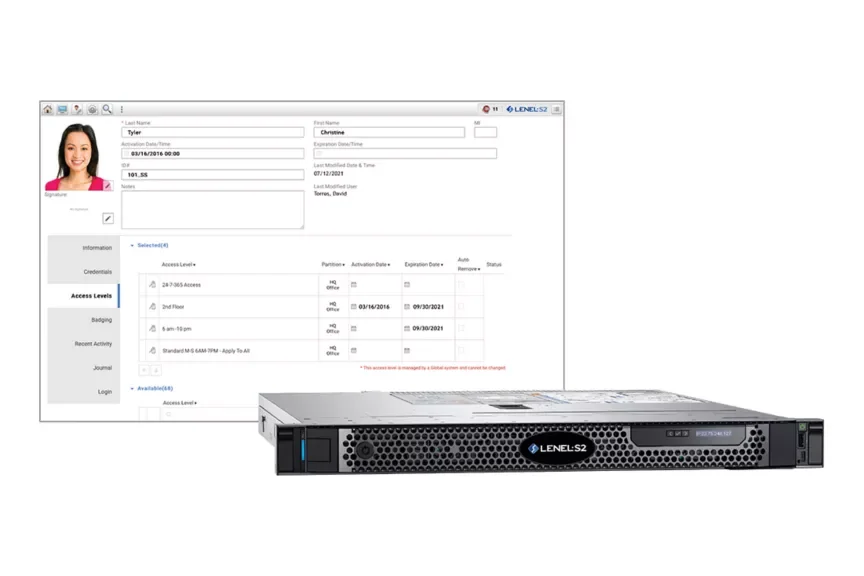
NetBox, Extreme, Enterprise and Virtual Machine
Compare current software, base appliance specifications, portal and user capacity, enterprise tiers, virtualization, API and lifecycle planning.
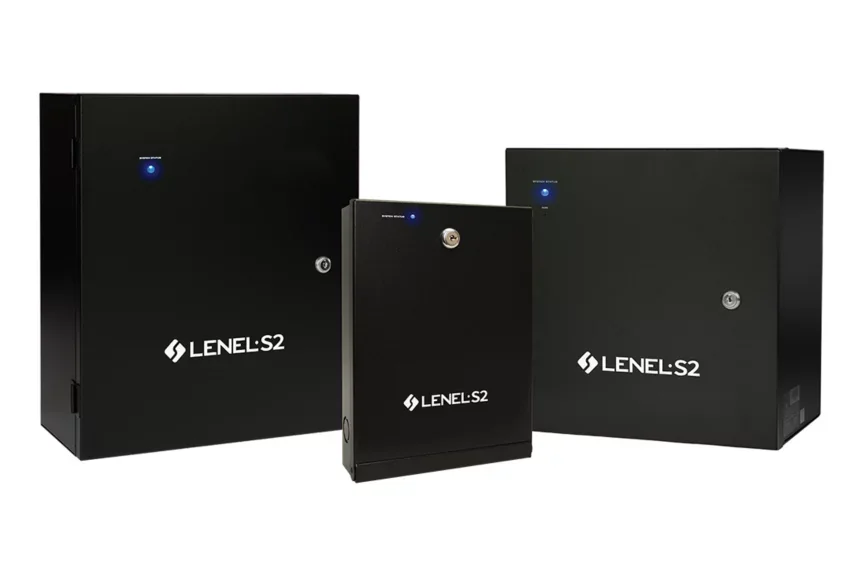
Nodes, VRx video and Magic Monitor
Review Network Node, MicroNode Plus, Network Node VRx/VR, application blades, video appliances, Magic Monitor and mobile clients.
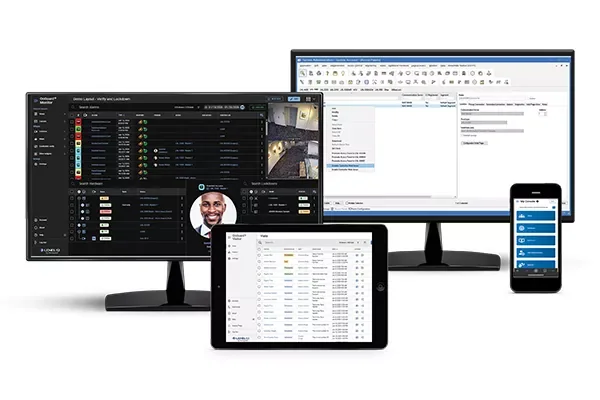
Compare the OnGuard family
OnGuard is a separate LenelS2 enterprise ecosystem with its own software, controllers, clients, cloud service and support path.
NetBox operating tools and integrations
The platform choice determines capacity, but the day-to-day result depends on which users, clients and integrations are configured. A useful NetBox scope names the tool used for each operating task and the behavior expected when the network, a Node, an integration or a mobile device is unavailable.
Browser administration
Define person, credential, access-level, partition, threat-level, report and configuration roles with least-privilege permissions.
Magic Monitor
Design unified access, alarm and video layouts around staffed positions, monitor count, incident workflow and privacy boundaries.
Mobile Security Professional
Limit mobile monitoring, video, unlock and evacuation functions to approved users and auditable managed devices.
Mobile Security User
Document employee notifications, mobile credential, crowdsourced media, threat-level and mustering functions selected for the organization.
Video platforms
Name VRx, NetVR, Honeywell 35 Series or third-party recorder and camera versions, capacity, retention, permissions and support responsibility.
Business and building systems
For HR, elevator, intrusion, HVAC or custom API links, define authoritative data, authentication, event mapping, reconciliation and recovery.
The site survey should produce portal and Node counts, reader and credential inventory, every supervised input and controlled output, client concurrency, camera and retention requirements, network and power dependencies, system partitions and lifecycle records. Those facts make the NetBox, Extreme, Enterprise or virtual comparison defensible.
Base NetBox planning specifications
| Item | Published base NetBox reference | Design implication |
|---|---|---|
| Access capacity | 20,000 cardholders, unlimited access levels, 32 portals and 32 Nodes. | Count active and future openings, elevators, gates, partitions, identities and Node locations. |
| Administration | Five simultaneous users and 16 unique user roles. | Map operators, administrators, badging, mobile and integration accounts to realistic concurrency. |
| Expansion | Up to seven application blades and as many as 500 inputs / 500 outputs. | Schedule blade type and position, point supervision, power, enclosure, spare capacity and event logic. |
| Transactions | Up to 10 million online records. | Define audit retention, reporting, archival, time synchronization and database maintenance. |
| Video integration | VRx/NetVR, Honeywell 35 Series and supported third-party VMS options. | Name recorder, camera, version, capacity, event mapping, retention and export responsibility. |
| Client platform | Browser-based operation; badging has separate supported Windows requirements. | Confirm current release notes for browsers, operating systems and badge-production hardware. |
Lifecycle, downloads and upgrade responsibility
NetBox software and hardware resources are published through the LenelS2 product site, while entitled software downloads, technical drawings and support use Support Central. Link clients to the official portal instead of hosting firmware or software files.
- Record NetBox release, appliance and Node model, application blades, reader firmware, licenses and support entitlement.
- Review version 6.4, release notes and lifecycle notices before proposing an upgrade.
- Validate browser, badging, video, intrusion, lock, mobile credential and API compatibility.
- Back up and test recovery before any controller, Node or software change.
- Retest access, alarms, video, mobile, reports and third-party integrations after change.
Official LenelS2 product and support resources
Use current Honeywell and LenelS2 pages for product data, lifecycle notices, release information, supported combinations and authorized downloads. Software, firmware and some technical documents require an entitled portal account; 360 Technology Group does not host those files locally.
Plan a current NetBox deployment
We can inventory an existing S2/LenelS2 environment or design a NetBox appliance, Enterprise, virtual or converged system for a Carolina facility.
LenelS2 owner, administrator and buyer resources
Use these owner and buyer resources to connect platform, product and pricing research with surveyed design, installation, software setup, commissioning, maintenance and support in North and South Carolina.
Official LenelS2 NetBox software, firmware and support
Use these manufacturer-owned portals for current downloads, release notes, manuals, advisories and technical resources. 360 Technology Group links to official sources and does not copy or host firmware files.
Update carefully: confirm the exact model, region, hardware revision, installed version, prerequisites, required intermediate releases, support entitlement, integrations, backup, maintenance window, rollback limitations and post-update tests. The wrong package or sequence can interrupt service or prevent a downgrade.
Some portals require a customer, dealer, certified-technician or active-support login. Cloud-managed products may update automatically and may not offer a public firmware file.