
Authorized dealer · Certified installers · Charlotte, NC headquarters
360 Technology Group is an authorized Paxton dealer and certified installer
We have been selling, installing, programming and servicing Paxton systems across North and South Carolina since 2018 — more than 8 years. Our scope covers Paxton Net2 and Paxton10 systems, PaxLock wireless door hardware, Paxton Entry video intercom, readers, keypads and credentials.
- Authorized Paxton dealer — we quote and supply genuine Paxton equipment, licensing and subscriptions.
- Certified Paxton installers — our technicians install, wire, program, commission and document the system.
- Repair and takeover — we service, troubleshoot, expand and take over existing Paxton installations we did not originally install.
- 24/7 emergency service — on-call service technicians for emergency repairs, plus scheduled preventive maintenance.
We cover every city in North Carolina and South Carolina from our Charlotte headquarters. Request a quote or service call Call 704-726-4254
Paxton Net2 product depth guide
Net2 networked access control
Net2 remains a strong platform for established Paxton estates and access-control-focused projects that need centralized PC administration, expandable door controllers and a mature integration ecosystem.

Net2 operating model
Net2 is administered from one or more Windows PCs and can be monitored from a central location. It supports networked door controllers, a broad reader family, Net2Air wireless communication, compatible PaxLock hardware and Paxton Entry video intercom.
Net2 Lite is suitable for many standard sites and is available without a software charge. Net2 Pro adds features for more advanced administration. The selected edition, integration modules and remote-management services should be named in the proposal rather than described only as “Net2 software.”
Net2 Lite
Use for many standard single- or multi-door applications. Confirm the current feature matrix against the owner’s reporting, integration and multi-site needs.
Net2 Pro
Evaluate when advanced features or workflows are required. Identify the specific Pro-only function that justifies the selection.
Paxton Connect
Provides supported remote site-management functions from a smartphone. Document administrator permissions, remote-access policy and account ownership.
Typical Net2 connection path
Net2 field hardware
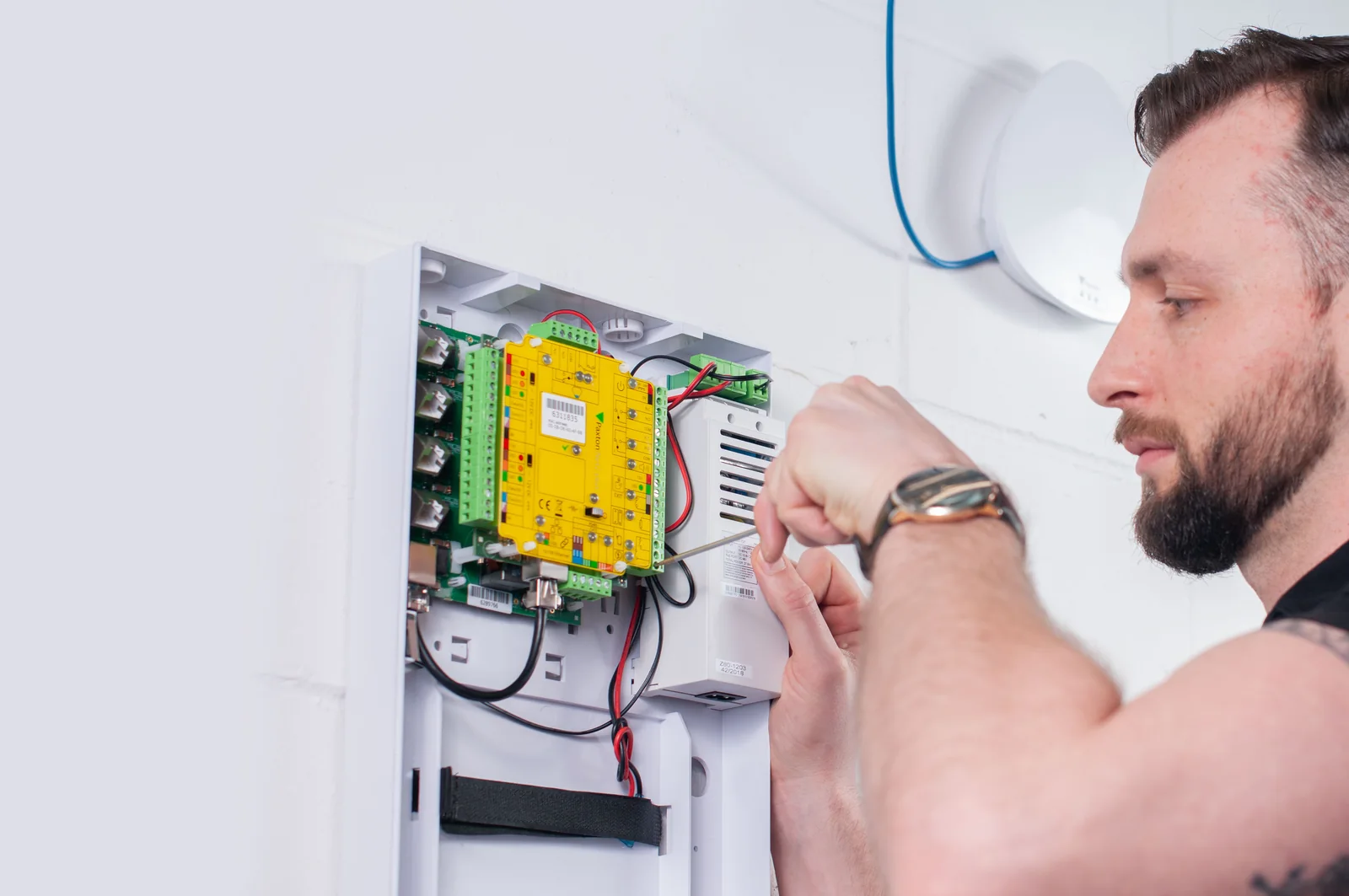
Net2 Plus controllers
Current US examples include PCB, plastic-housing, metal-enclosure, low-voltage and PoE+ powered configurations. Verify lock power and standby requirements.
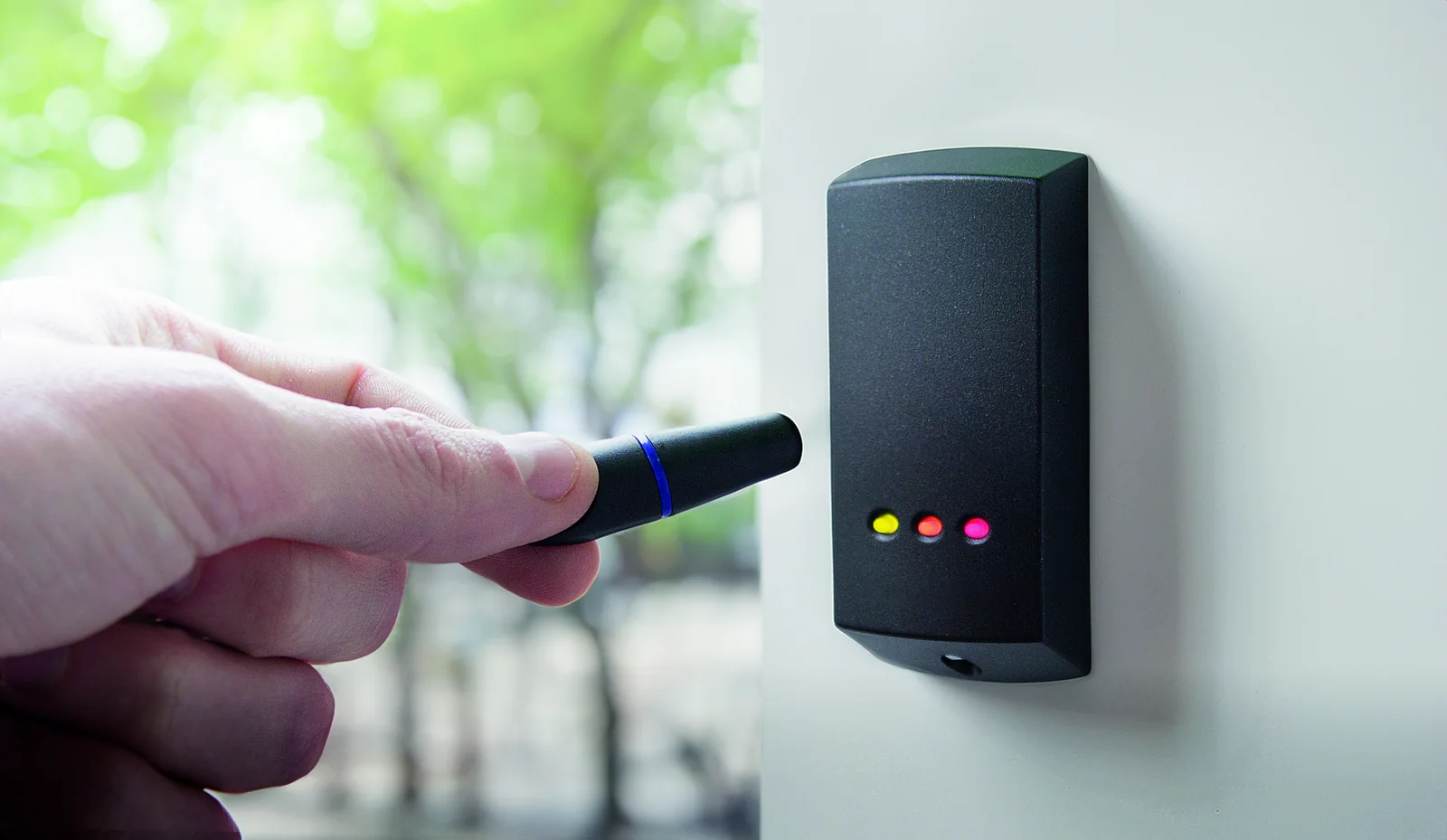
Readers and keypads
Choose by supported credential, format, vandal resistance, mounting depth, environment and accessibility.
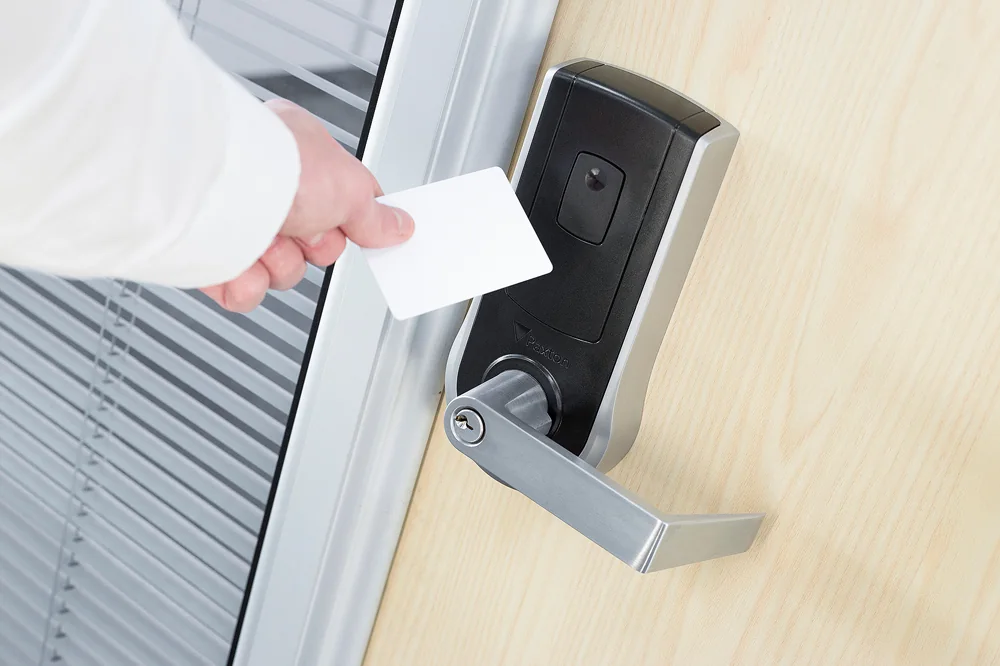
Net2Air and PaxLock
Wireless openings require a surveyed RF path, compatible bridges, battery service plan and realistic traffic assumptions.
When Net2 is usually the better starting point
- The facility already has supported Net2 controllers, readers, credentials and clean documentation.
- Access control is the primary scope and Paxton-native video is not a central requirement.
- The required third-party integration is supported and proven on the current Net2 release.
- A phased controller, reader or credential migration is safer than a full platform replacement.
- The owner is prepared to maintain the Windows, database, backup and remote-access responsibilities.
- Wireless PaxLock or Entry components fit the opening and visitor workflow.
Official Paxton product resources
Use Paxton-owned pages for current models, release notes, manuals, technical data and software access. Product availability and specifications can change.
Survey an existing Net2 system
We can inventory controllers, software, credentials, PaxLock, Entry, integrations and documentation before proposing expansion or migration.
Net2 server and network readiness
Paxton describes Net2 as a centralized PC-based system supporting up to 1,000 doors and 50,000 users. The server must run a currently supported Microsoft operating system that appears on Paxton’s compatibility matrix, with adequate resources for the site’s size and activity. The Net2 database is intended to remain with the supported Net2 server architecture rather than being moved to an unsupported separate SQL design.
Before installation or upgrade, IT should reserve the server name and address, confirm backup and endpoint-protection rules, document administrator access, and allow the required Net2 communications. Paxton’s current guidance identifies TCP/IP communication in the 6474–6485 port range for relevant Net2 services and network devices; the exact rule set should be verified against the installed release.
Choose Lite or Pro from workflows
Net2 Lite can cover standard user, door and reporting needs. Net2 Pro is the correct comparison when the project calls for advanced operator permissions, lockdown, anti-passback, roll call, fire or intruder integrations, card design, timesheet features, Paxton Connect or Net2Online. Wireless products may not support every advanced feature, so the proposal should identify exceptions by opening.
An upgrade plan should include a verified database backup, controller and interface inventory, compatibility review, representative-door test, rollback plan and administrator acceptance. Firmware and software should be obtained through Paxton’s official installer resources, never from an unverified download mirror.
Paxton owner, administrator and buyer resources
These owner and buyer guides connect Paxton software and hardware research with surveyed design, installation, commissioning, database protection, maintenance and field support in North and South Carolina.
Official Paxton software, firmware and support
Use these manufacturer-owned portals for current downloads, release notes, manuals, advisories and technical resources. 360 Technology Group links to official sources and does not copy or host firmware files.
Update carefully: confirm the exact model, region, hardware revision, installed version, prerequisites, required intermediate releases, support entitlement, integrations, backup, maintenance window, rollback limitations and post-update tests. The wrong package or sequence can interrupt service or prevent a downgrade.
Some portals require a customer, dealer, certified-technician or active-support login. Cloud-managed products may update automatically and may not offer a public firmware file.