
Authorized dealer · Certified installers · Charlotte, NC headquarters
360 Technology Group is an authorized LenelS2 dealer and certified installer
We have been selling, installing, programming and servicing LenelS2 systems across North and South Carolina since 2018 — more than 8 years. Our scope covers LenelS2 OnGuard and OnGuard Cloud, NetBox and NetBox Nodes, M-Series controllers, BlueDiamond readers and mobile credentials.
- Authorized LenelS2 dealer — we quote and supply genuine LenelS2 equipment, licensing and subscriptions.
- Certified LenelS2 installers — our technicians install, wire, program, commission and document the system.
- Repair and takeover — we service, troubleshoot, expand and take over existing LenelS2 installations we did not originally install.
- 24/7 emergency service — on-call service technicians for emergency repairs, plus scheduled preventive maintenance.
We cover every city in North Carolina and South Carolina from our Charlotte headquarters. Request a quote or service call Call 704-726-4254
LenelS2 OnGuard planning
OnGuard 8.4, cloud deployment and current field hardware
Use the current OnGuard architecture as the starting point, then match enterprise or cloud operations, M-Series controllers, BlueDiamond credentials, video and integrations to a documented lifecycle plan.
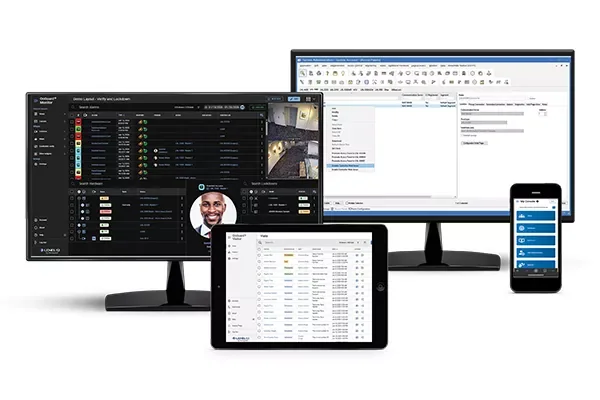
OnGuard 8.4 is the current release to evaluate
LenelS2 positions OnGuard as an open, enterprise physical-access and security-management platform. The current public product family lists version 8.4, which continues the transition toward browser clients and expands unified access-and-video operation. A project should identify the installed version, database, operating-system and controller dependencies before using current features as a promise.
OnGuard can support access control, alarm monitoring, identity and credential workflows, visitor management, video, reporting, APIs and partner integrations. Each capability has licensing, release, infrastructure and role requirements. The design should name what is in scope and how it will be tested.
OnGuard 8.4
Current release information highlights more browser clients, updated Monitor layouts, visitor and administration improvements, controller management and Honeywell video integration.
OnGuard Cloud
A current single-tenant SaaS approach hosted in AWS with full web access, operational monitoring and direct support described by LenelS2.
OnGuard Enterprise
Multi-server and synchronized-database architecture for regional autonomy with enterprise-wide identity, monitoring and administration.
Mercury M-Series
The current controller family adds Secure Boot, TLS 1.3, modern processing and expansion options; exact model and board schedules remain essential.
BlueDiamond
Multi-technology readers support planned migration among physical, Bluetooth and wallet-based credentials using documented interfaces and security settings.
Magic Monitor and integrations
Unify access, alarms, video and selected web content only after confirming the exact supported versions, licenses and acceptance workflow.
Typical OnGuard responsibility chain
Detailed OnGuard product guides
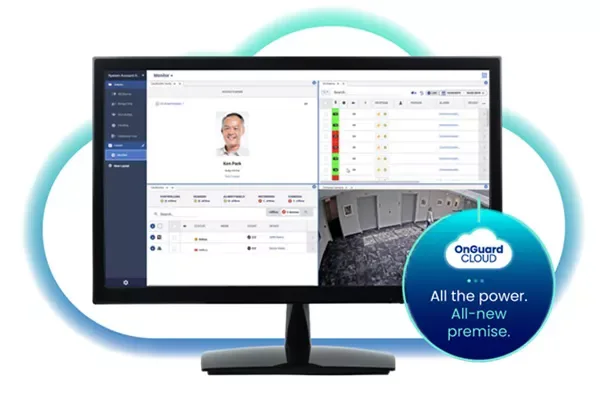
OnGuard platform, Cloud and Enterprise
Compare OnGuard 8.4 on-premises, current OnGuard Cloud, multi-region Enterprise, browser clients, integrations, support and migration.
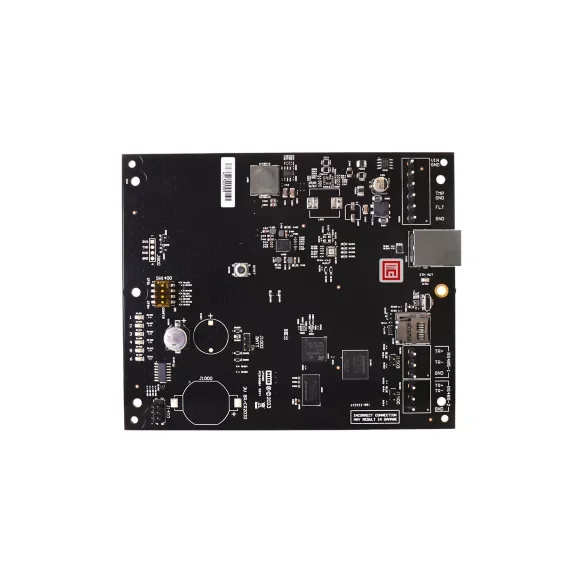
Controllers, readers and credentials
Review current M-Series controller architecture, downstream hardware, BlueDiamond specifications, OSDP Secure Channel and credential migration.
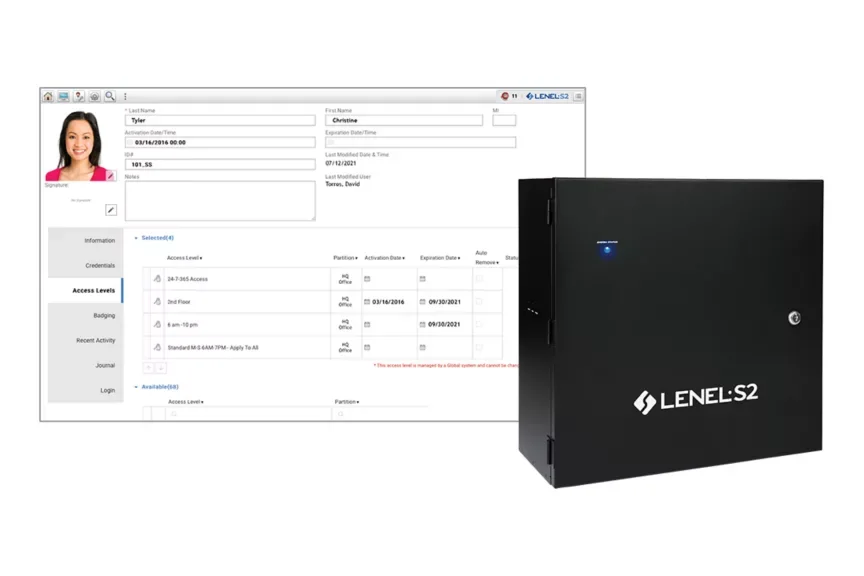
Compare the LenelS2 NetBox family
NetBox is a separate browser-based LenelS2 ecosystem with its own controllers, Nodes, capacities, software releases and support portal.
OnGuard clients and modules should follow the job role
OnGuard is not a single screen used the same way by everyone. A security operator, badging specialist, access approver, lobby attendant, system administrator and investigator need different permissions and evidence. Selecting the correct clients and modules reduces unnecessary authority and makes training and acceptance more meaningful.
Credentials and identity
OnGuard Credentials and identity tools support cardholder, badge, access-level and photo workflows. Define authoritative fields, approval and separation of duties.
Monitor and response
OnGuard Monitor and installed monitoring tools should be configured around alarm priorities, maps, video, acknowledgement, escalation and shift handoff.
Visitor operations
Visitor and self-service workflows require sponsor rules, badge or mobile credential limits, expiration, privacy, lobby exceptions and emergency accountability.
Reports and WATCH
Choose operational, compliance and system-health reporting around named reviewers, thresholds, distribution, retention and corrective action.
Magic Monitor
Use unified access-and-video layouts when the operator needs them; restrict private identity or video data on shared and unattended displays.
API and partner applications
For each integration, record the OnGuard release, certified interface, license, fields, data direction, failure handling, logs and support owner.
A complete proposal should identify the client or module used for each workflow, the concurrent users, workstations or mobile devices, authentication method, role permissions, training and the exact acceptance test. This prevents a broad product-family feature list from being mistaken for a licensed, configured and supported solution.
Lifecycle notices change the bill of materials
LenelS2 publishes end-of-life and security notices. Current public notices identify retirement events for OnGuard 8.0, the former OnGuard Cloud Edition, Mercury X-Series controllers and BlueDiamond Mobile “Ready” Readers. Those names can still appear in old specifications and existing installations, but they should not be presented as current equivalents to OnGuard Cloud, M-Series controllers or current BlueDiamond mobile-enabled readers.
Inventory before design
Record installed software, controller and reader model, hardware revision, firmware, credential formats, licenses and support status.
Check migration dependencies
Validate operating system, database, client, controller, integration and credential compatibility across every required intermediate step.
Use official portal downloads
Obtain installers, firmware, patches, hardening information and release notes through LenelS2 Connect or the entitled Honeywell portal.
Evidence required before proposing OnGuard
- Current OnGuard version, edition, database, servers, clients, licenses, support plan and administrator ownership.
- Controller, downstream board, reader, I/O, enclosure, battery, lock-power and spare-capacity inventory.
- Door hardware, free egress, fire-alarm interface, accessibility and failure-state survey.
- Credential technologies, encryption, mobile or wallet eligibility, issuance and revocation workflow.
- Network, certificates, accounts, segmentation, monitoring, backups, recovery and cybersecurity acceptance.
- Video, identity, visitor, elevator, intrusion and third-party integration version matrix.
- Staging, upgrade, rollback, outage and operational acceptance scripts.
Official LenelS2 product and support resources
Use current Honeywell and LenelS2 pages for product data, lifecycle notices, release information, supported combinations and authorized downloads. Software, firmware and some technical documents require an entitled portal account; 360 Technology Group does not host those files locally.
Plan a current LenelS2 OnGuard system
We can inventory an existing system or develop a new OnGuard 8.4, Cloud or Enterprise architecture for North Carolina and South Carolina facilities.
LenelS2 owner, administrator and buyer resources
Use these owner and buyer resources to connect platform, product and pricing research with surveyed design, installation, software setup, commissioning, maintenance and support in North and South Carolina.
Official LenelS2 OnGuard software, firmware and support
Use these manufacturer-owned portals for current downloads, release notes, manuals, advisories and technical resources. 360 Technology Group links to official sources and does not copy or host firmware files.
Update carefully: confirm the exact model, region, hardware revision, installed version, prerequisites, required intermediate releases, support entitlement, integrations, backup, maintenance window, rollback limitations and post-update tests. The wrong package or sequence can interrupt service or prevent a downgrade.
Some portals require a customer, dealer, certified-technician or active-support login. Cloud-managed products may update automatically and may not offer a public firmware file.