
Authorized dealer · Certified installers · Charlotte, NC headquarters
360 Technology Group is an authorized Paxton dealer and certified installer
We have been selling, installing, programming and servicing Paxton systems across North and South Carolina since 2018 — more than 8 years. Our scope covers Paxton Net2 and Paxton10 systems, PaxLock wireless door hardware, Paxton Entry video intercom, readers, keypads and credentials.
- Authorized Paxton dealer — we quote and supply genuine Paxton equipment, licensing and subscriptions.
- Certified Paxton installers — our technicians install, wire, program, commission and document the system.
- Repair and takeover — we service, troubleshoot, expand and take over existing Paxton installations we did not originally install.
- 24/7 emergency service — on-call service technicians for emergency repairs, plus scheduled preventive maintenance.
We cover every city in North Carolina and South Carolina from our Charlotte headquarters. Request a quote or service call Call 704-726-4254
Paxton product-family directory
Paxton product and software guide
Use this directory to move from a product name to the platform, hardware, infrastructure and lifecycle questions that determine whether it belongs in the project.

Platform and product guides
Paxton10
Integrated access control and video management with server, single-door controllers, cameras, readers, credentials, Entry, PaxLock and connectors.

Net2
Networked access control with Lite and Pro software, Net2 Plus controllers, readers, approved integrations, PaxLock and Entry.
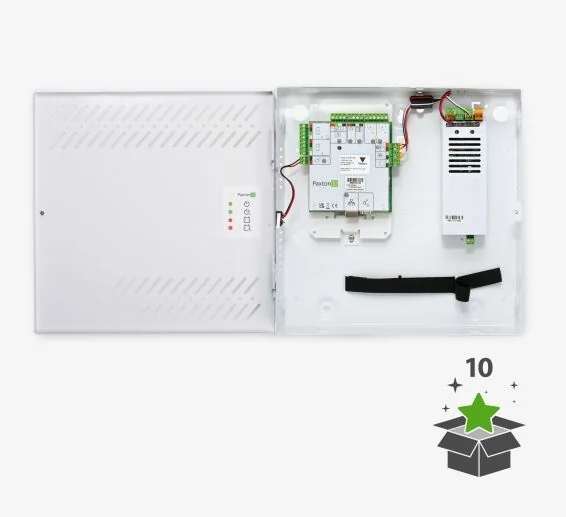
Controllers and connectors
Paxton10 and Net2 controllers, powered enclosures, PoE options, alarm, input, output, I/O and wireless connectors.
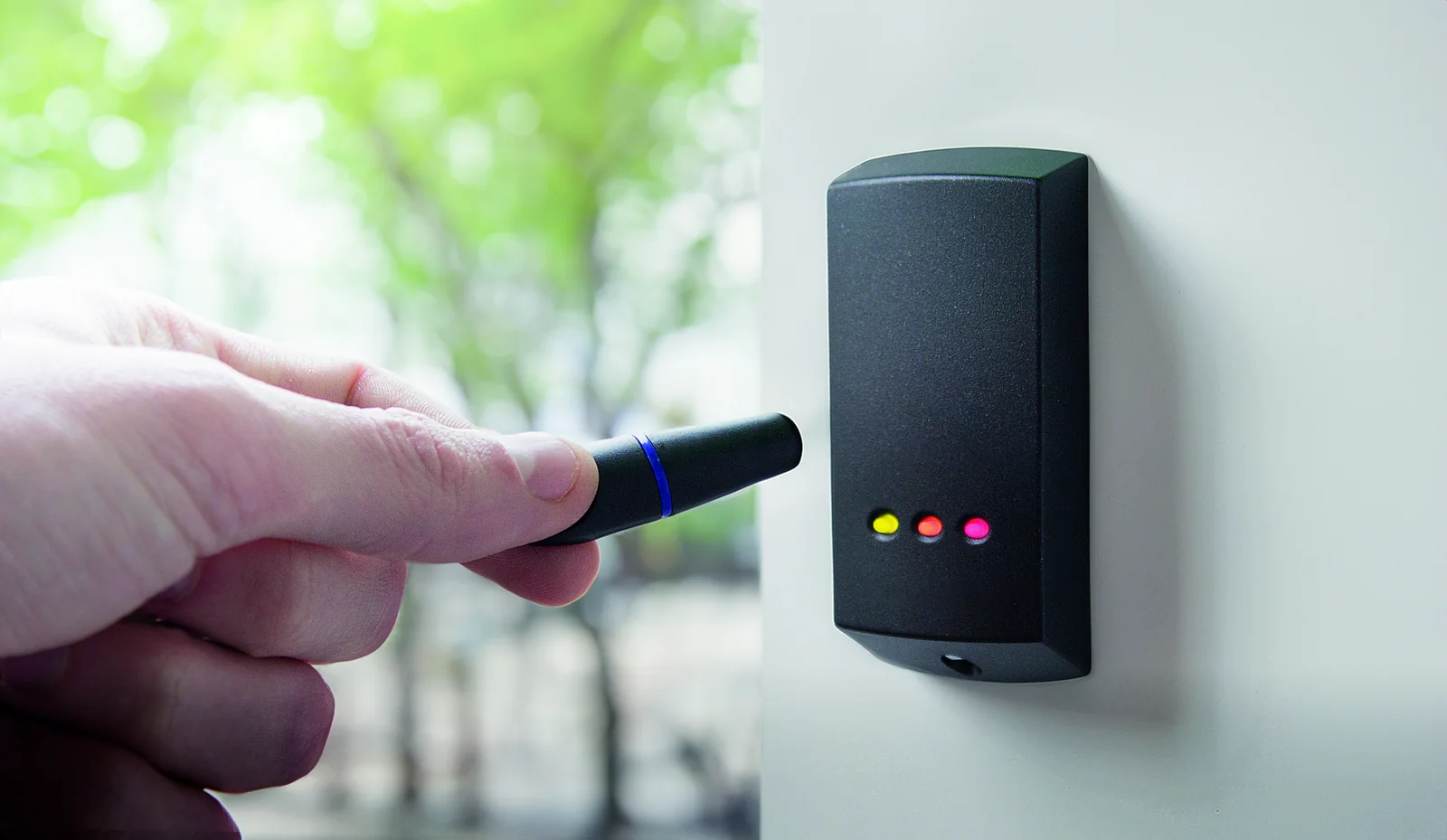
Readers and credentials
Readers, keypads, cards, fobs, mobile credentials, enrollment readers and specialty options.
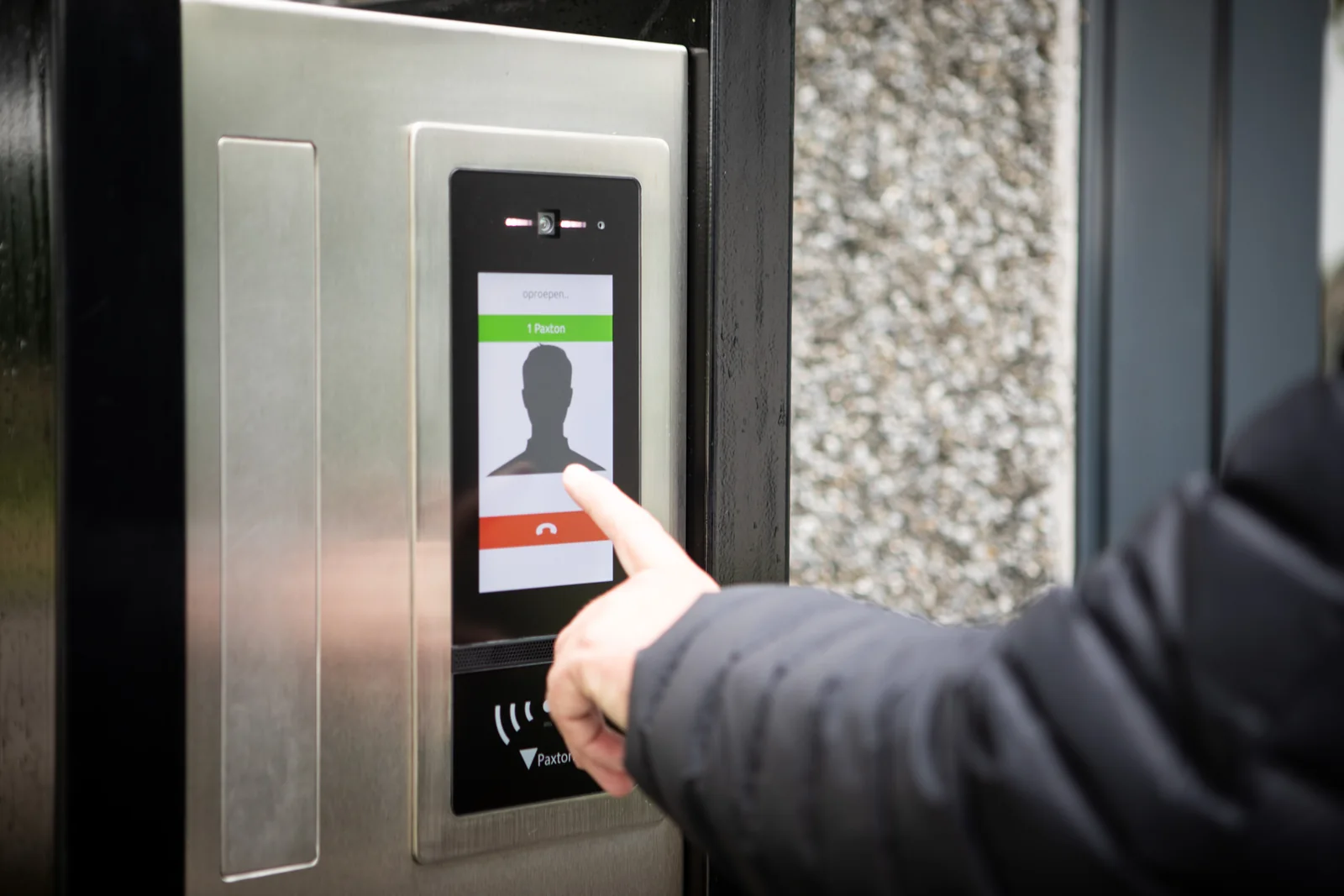
Entry
Video intercom panels, door controllers, monitors, app workflows and access-control integration.

PaxLock Pro
Wireless electronic door hardware for compatible openings using Net2 or Paxton10 wireless infrastructure.
Paxton10 cameras
CORE and PRO turret, bullet and dome models plus current junction boxes and supported third-party camera path.
Standalone systems
Switch2, Compact, keypad and cardlock products may fit smaller standalone openings. Confirm current product status and expansion limits.
Accessories and locksets
Power supplies, batteries, backbox adapters, PaxLock mechanical kits, exit buttons and installation tools must match the exact hardware.
How to use model and sales-code information
Sales codes distinguish region, enclosure, power and package variants that may look similar in a short proposal. Require each quoted line to identify the current US sales code, description, quantity, included power supply or enclosure, software dependency and compatible accessories.
Before ordering, check the current Paxton US product page and technical data sheet. A familiar family name does not prove that a legacy component, current controller, reader, credential or software release is mutually supported.
Official Paxton product resources
Use Paxton-owned pages for current models, release notes, manuals, technical data and software access. Product availability and specifications can change.
Create a Paxton bill of materials
We can turn the surveyed openings, users, video requirements and integrations into a model-specific schedule with assumptions and acceptance tests.
Paxton owner, administrator and buyer resources
These owner and buyer guides connect Paxton software and hardware research with surveyed design, installation, commissioning, database protection, maintenance and field support in North and South Carolina.
Official Paxton software, firmware and support
Use these manufacturer-owned portals for current downloads, release notes, manuals, advisories and technical resources. 360 Technology Group links to official sources and does not copy or host firmware files.
Update carefully: confirm the exact model, region, hardware revision, installed version, prerequisites, required intermediate releases, support entitlement, integrations, backup, maintenance window, rollback limitations and post-update tests. The wrong package or sequence can interrupt service or prevent a downgrade.
Some portals require a customer, dealer, certified-technician or active-support login. Cloud-managed products may update automatically and may not offer a public firmware file.