
Authorized dealer · Certified installers · Charlotte, NC headquarters
360 Technology Group is an authorized Kantech dealer and certified installer
We have been selling, installing, programming and servicing Kantech systems across North and South Carolina since 2018 — more than 8 years. Our scope covers Kantech EntraPass software, KT-1, KT-2, KT-4 and KT-400 controllers, ioSmart readers and credentials.
- Authorized Kantech dealer — we quote and supply genuine Kantech equipment, licensing and subscriptions.
- Certified Kantech installers — our technicians install, wire, program, commission and document the system.
- Repair and takeover — we service, troubleshoot, expand and take over existing Kantech installations we did not originally install.
- 24/7 emergency service — on-call service technicians for emergency repairs, plus scheduled preventive maintenance.
We cover every city in North Carolina and South Carolina from our Charlotte headquarters. Request a quote or service call Call 704-726-4254
Kantech software guide
EntraPass editions, current Web functions and mobile operations
Select the platform by sites, doors, operators, integrations, availability and governance—not by a product name alone—then keep every server, client, controller and app inside a documented compatibility plan.
Public release information must be read as a compatibility set
Kantech currently publishes EntraPass 9.00 release notes for the main platform and EntraPass Web 9.10 documentation for the browser-delivered client. Web 9.10 adds expanded directory and authentication capabilities, including supported MFA workflows and Active Directory security-group mapping. These version numbers should not be mixed casually: the installed EntraPass edition, gateway, Web component, controller firmware, mobile app, integration and operating system must be checked together.
EntraPass 9.00 also adds Salto integration for Corporate Edition, Global Edition and EntraPass Web, along with card-access-group and import/export enhancements. Existing sites on earlier releases need a staged upgrade review rather than a direct assumption that every current function can be enabled.
EntraPass 9.00
The current public main-platform release notes cover Corporate, Global and EntraPass Web changes, Salto integration, compatibility and installation requirements.
EntraPass Web 9.10
Current Web documentation adds MFA and deeper Active Directory group mapping for operator and access-level workflows.
Controller firmware
Compatibility matrices identify different firmware for KT-1/KT-2, KT-4, KT-400 revisions, ioSmart generations and retained legacy controllers.
Mobile apps
Use the latest supported app and verify server release, enrollment, device OS, notification, credential and remote-command prerequisites.
Integration versions
Video, intrusion, wireless locks, Salto, LDAP and custom interfaces each have their own supported versions and limitations.
Entitlement
Registration, Kantech Advantage Program status, licenses and support access determine which updates and resources an owner can obtain.
Compare the three EntraPass editions
| EntraPass edition | Manufacturer positioning | Planning checkpoint |
|---|---|---|
| Special Edition | Single workstation and one supported KT-series controller; current product information identifies KT-1 or KT-4 for the controller connection. | Use for a truly small locally administered system. Verify door count, controller model, workstation ownership, backup and the future upgrade path. |
| Corporate Edition | Mid-size and multi-site platform with as many as twenty concurrent workstations, centralized credential administration, real-time events, video and intrusion integration. | Count real operators, sites, doors, integrations, web/mobile users and redundancy needs rather than choosing it only by building size. |
| Global Edition | Enterprise platform for geographically distributed and high-security systems, positioned for thousands of doors and users with multi-server architecture, reporting, failover and centralized governance. | Document server roles, gateways, partitions, network paths, high availability, database operations, cybersecurity and enterprise identity ownership. |
| hattrix managed service | Kantech-managed-access architecture for providers that administer customer systems as a service. | Clarify provider responsibility, tenant separation, connectivity, controller migration, data ownership, service levels and exit plan. |
Special Edition: intentionally small and locally administered
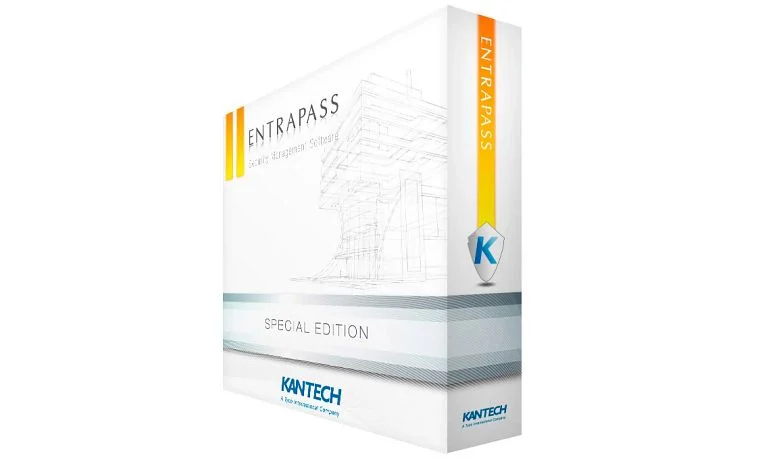
Kantech positions Special Edition for a single workstation and one supported KT-series controller. The current product page specifically describes a controller connection supporting KT-1 or KT-4, with basic user, door, event and reporting functions and an upgrade path to larger editions.
Special Edition is appropriate only when the operating model is also small. Identify the person responsible for credential changes, backups, workstation health, software updates, alarm review and after-hours decisions. A one-controller limit may still represent multiple doors with KT-4, so verify actual opening count and expansion expectations.
Good fit
Small office, storefront, clinic, utility building or remote site with local administration and modest workflow needs.
Growth trigger
More controllers, more operator workstations, centralized multi-site management, enhanced integrations or higher availability can justify migration.
Workstation ownership
Document Windows support, local administrator rights, antivirus exclusions, backup destination, restore procedure and replacement responsibility.
Corporate Edition: growing and multi-site operations
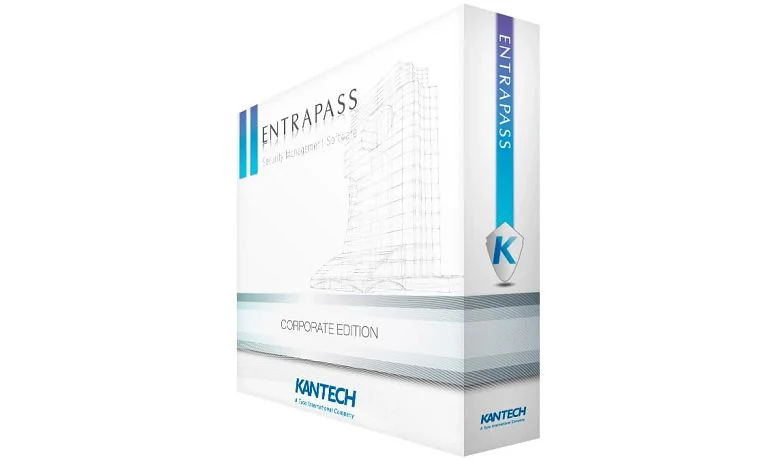
Corporate Edition is positioned for medium to large facilities and expanding organizations. Current manufacturer information states support for as many as twenty concurrent workstations, multi-site administration, centralized credentials, real-time monitoring and video and intrusion integrations.
Twenty workstations is a capacity reference, not the complete license or server design. Count every staffed security desk, badging station, browser user, service login and integration. Define whether users need configuration, monitoring, reports, door control or only limited cardholder functions.
Sites and workstations
Map sites, gateways, controllers, operators, roles and peak concurrency to the actual license and server architecture.
Video and intrusion
Confirm supported Exacq, DSC or other combinations and write the event, acknowledgement and evidence workflow.
Directory synchronization
Define authoritative fields, group rules, disabled-user timing, manual exceptions, reconciliation and privacy ownership.
Resilience
Evaluate mirror database, redundancy and recovery options against the required outage behavior and recovery objectives.
Global Edition: enterprise scale and distributed governance
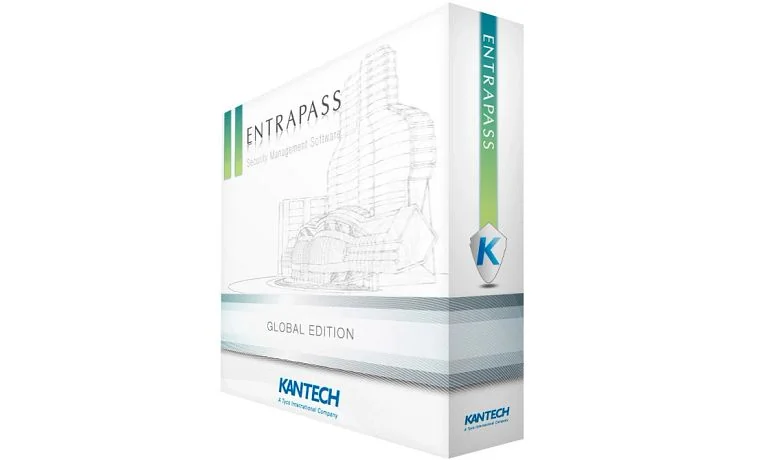
Global Edition is Kantech’s enterprise platform for large, geographically dispersed and high-security environments. The current product page describes unlimited doors and workstations, multi-site and multi-server architecture, role-based permissions, reporting, load balancing, failover, video and intrusion integration.
“Unlimited” is a software positioning statement, not an infrastructure design. Gateways, controllers, network paths, databases, concurrent users, event rate, integrations and operational procedures still have measurable limits. Enterprise designs should define regional autonomy, central governance, partitioning and degraded-mode operation.
Gateway topology
Document global, multi-site and controller communication roles, primary/secondary relationships, IP addressing and bandwidth.
Partition and delegation
Define which teams can see or administer cardholders, sites, doors, alarms, reports and integrations.
Availability
Specify database, server, gateway, network and power redundancy and prove automatic or manual recovery.
Enterprise identity
Coordinate HR, directory, visitor, contractor and credential data with an auditable source-of-truth and exception process.
EntraPass software and field-hardware flow
EntraPass Web 9.10 and browser operations
EntraPass Web is not merely a remote unlock page. Current 9.10 documentation includes cardholder, door, relay, input, access-level and report workflows plus expanded directory integration. Supported MFA can use Active Directory, Microsoft Entra and an Okta arrangement connected through Active Directory. Active Directory security groups can map to access levels across sites and can map operators to security levels and workspaces.
Directory-driven permissions require careful governance. Decide which system creates the person, which groups grant access, who approves exceptions, how quickly termination removes rights and how administrators reconcile failed or conflicting updates. Test local fallback accounts and emergency access without undermining MFA policy.
| Web 9.10 area | Design and acceptance questions |
|---|---|
| MFA | Which identity provider is supported, which users require MFA, what is the fallback during provider or internet outage, and how are emergency accounts controlled? |
| Access groups | Which Active Directory groups map to which site access levels, who approves membership, and how are door exceptions handled? |
| Operator mapping | Which directory groups assign security level and workspace, and who reviews excessive privilege or orphaned operators? |
| Remote door control | Which operators can unlock, temporarily unlock or return a door to schedule, and how is each action audited? |
| Reports and cardholders | Which users can see personal data, issue credentials, change expiration, trace activity or export reports? |
| Client support | What browser/client installation, SmartLink, certificates, workstation configuration and network path are required for the installed release? |
Mobile applications have different jobs
EntraPass go
Operator app for supported remote EntraPass monitoring and control. Restrict door commands, use managed devices and retain attributable audit records.
EntraPass go Pass
Turns a supported mobile device into a credential. Plan enrollment, activation, Bluetooth behavior, phone replacement, revocation and privacy.
EntraPass go Install
Installer workflow for supported KT controller enrollment and configuration, including QR-assisted tasks. Limit installer accounts and retain final records.
EntraPass Web
Browser-delivered operations for common configuration, monitoring and reporting tasks. Treat it as an administered client with version and security dependencies.
For every app, define supported server release, mobile operating system, app version, account provisioning, MFA, mobile-device management, notification permission, cellular/Wi-Fi dependency and lost-device procedure. Mobile convenience should not create an unowned security administration channel.
Integration and advanced-option review
| Capability | What current public material indicates | What the project must verify |
|---|---|---|
| Salto | EntraPass 9.00 adds Corporate, Global and Web integration with Salto systems. | Salto Space version, middleware, online/offline doors, encoders, mobile credentials, event delays, schedule limits and migration behavior. |
| ASSA ABLOY Aperio | Native EntraPass integration manages supported wireless locks with access events, status and battery information. | EntraPass/lock/hub/controller versions, radio design, battery workflow, real-time behavior, door mode and commissioning. |
| Video | Corporate and Global product pages describe video integration, including Exacq. | VMS version, licenses, camera mapping, permissions, time, health, playback, retention and export. |
| DSC intrusion | Current pages and release documents identify supported DSC integration, with combination-specific limitations. | Panel model/firmware, partitions, gateway/controller, virtual keypad, arming authority, events and fallback. |
| Active Directory / LDAP | Web 9.10 expands authentication, access-level and operator mapping. | Source fields, group logic, timing, MFA, exception, reconciliation and termination evidence. |
| Redundancy and mirror database | Advanced options can support higher availability for appropriate editions. | Failure detection, license, secondary infrastructure, data loss objective, switchover, return to normal and test schedule. |
Upgrade, support and cybersecurity workflow
- Inventory: record EntraPass edition/build, database, operating system, Web/SmartLink, gateways, controllers, readers, apps, licenses and integrations.
- Verify entitlement: confirm registration, Kantech Advantage Program status, official support accounts and access to the required releases.
- Read the matrix: compare the target software to controller and ioSmart firmware, integrations, operating systems and intermediate upgrade requirements.
- Back up and stage: create a verified database and configuration backup and test representative controllers and integrations outside production.
- Execute a controlled window: document sequence, expected downtime, communication plan, rollback limitations and responsible parties.
- Retest operations: verify cardholder changes, every controller family, Web/mobile, video, intrusion, wireless locks, reports, alarms and recovery.
Do not download an installer or firmware image from an unofficial mirror. Use Kantech registration, support and documentation portals and preserve the release notes with the change record.
Acceptance evidence for the software platform
- Supported-version and license matrix for server, clients, gateways, controllers, readers, apps and integrations.
- Role matrix for administrators, operators, badging staff, security, service and integration accounts.
- Backup, restore, redundancy, outage and recovery test results.
- Cardholder creation, change, expiration, termination and directory-reconciliation evidence.
- Remote door-control, Web, mobile, MFA and lost-device test records.
- Alarm, video, intrusion, Aperio, Salto and report acceptance scripts where included.
- Owner training, support contacts, registration, renewal dates and official portal access.
Continue to controllers and credentials
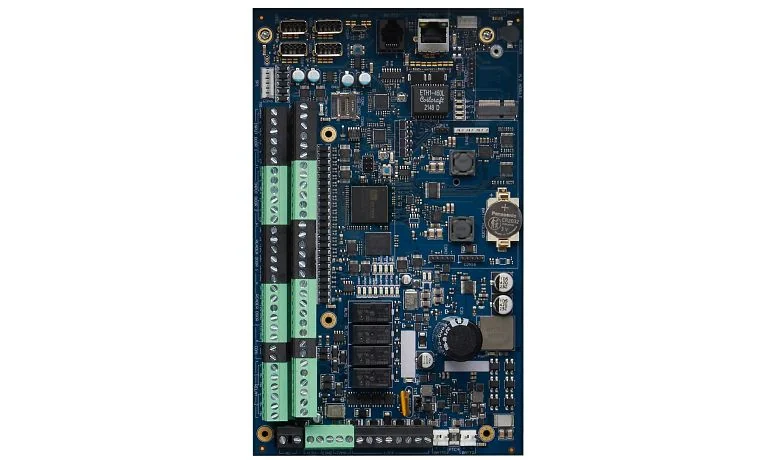
KT controllers and ioSmart readers
Compare current KT-1, KT-2 and KT-4 hardware, retained controllers, ioSmart Gen 2, OSDP, credentials and wireless-lock architecture.
Official Kantech product and support resources
Use current Kantech and Johnson Controls pages for product specifications, compatibility, release notes, cybersecurity guidance and authorized downloads. Software, firmware and some technical documents require registration or an entitled support account. 360 Technology Group links to those official portals and does not host firmware or software installers locally.
Choose and upgrade EntraPass with evidence
We can document an existing EntraPass environment, compare editions and build a supported Web, mobile, integration and upgrade plan.
Kantech owner, administrator and buyer resources
Use these owner and buyer resources to connect product research with surveyed design, installation, software setup, commissioning, maintenance and support in North and South Carolina.
Official Kantech software, firmware and support
Use these manufacturer-owned portals for current downloads, release notes, manuals, advisories and technical resources. 360 Technology Group links to official sources and does not copy or host firmware files.
Update carefully: confirm the exact model, region, hardware revision, installed version, prerequisites, required intermediate releases, support entitlement, integrations, backup, maintenance window, rollback limitations and post-update tests. The wrong package or sequence can interrupt service or prevent a downgrade.
Some portals require a customer, dealer, certified-technician or active-support login. Cloud-managed products may update automatically and may not offer a public firmware file.