
Authorized dealer · Certified installers · Charlotte, NC headquarters
360 Technology Group is an authorized Nexkey dealer and certified installer
We have been selling, installing, programming and servicing Nexkey systems across North and South Carolina since 2018 — more than 8 years. Our scope covers Nexkey Core, Solo and controller hardware, mobile keys and web portal administration.
- Authorized Nexkey dealer — we quote and supply genuine Nexkey equipment, licensing and subscriptions.
- Certified Nexkey installers — our technicians install, wire, program, commission and document the system.
- Repair and takeover — we service, troubleshoot, expand and take over existing Nexkey installations we did not originally install.
- 24/7 emergency service — on-call service technicians for emergency repairs, plus scheduled preventive maintenance.
We cover every city in North Carolina and South Carolina from our Charlotte headquarters. Request a quote or service call Call 704-726-4254
Installation, service, maintenance and support
Nexkey App, Web Portal, Mobile Keys, Wi-Fi and Support Guide
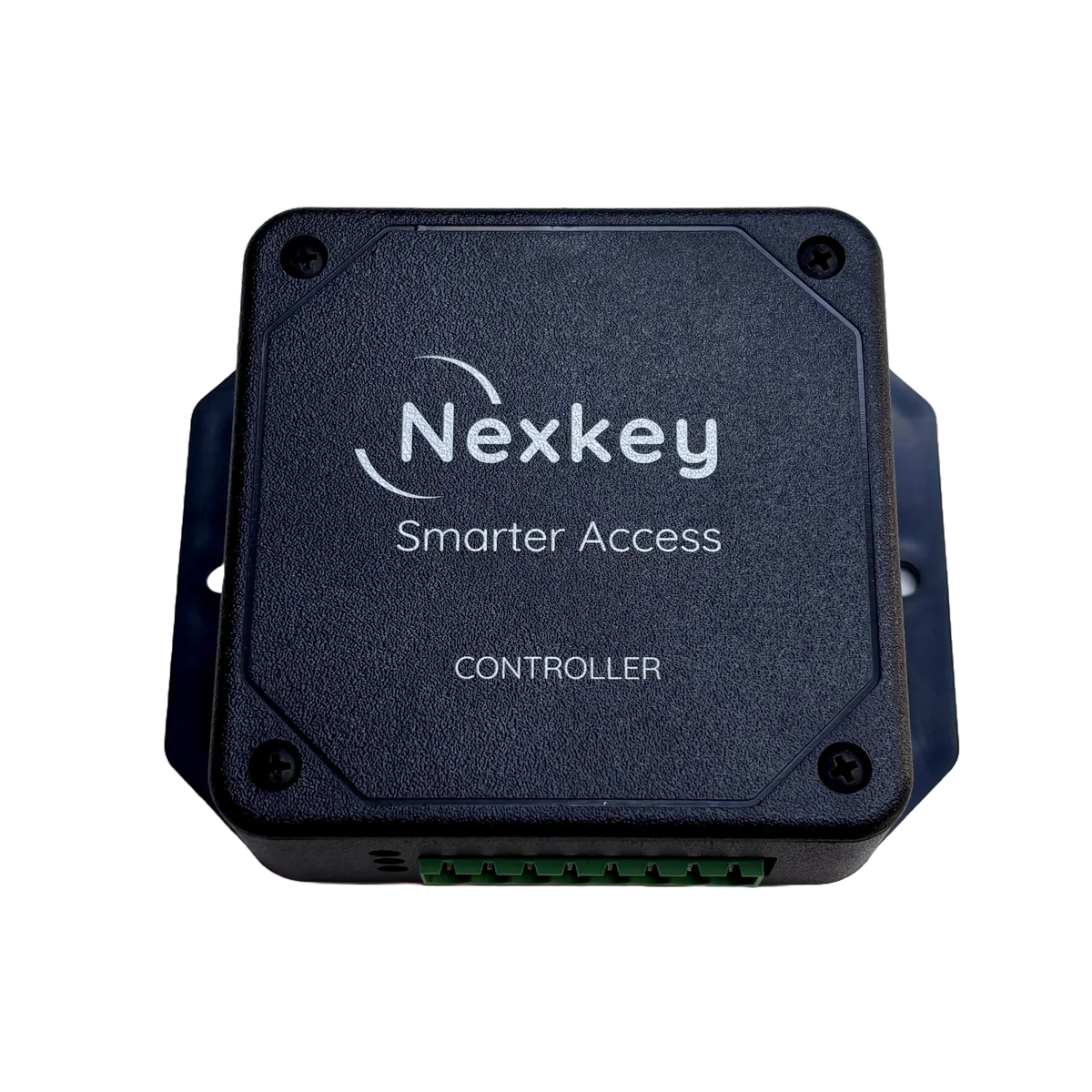
Nexkey uses mobile access for Core, Solo and Controller devices, with app and portal workflows for users, groups, schedules, remote unlock and activity. Support should separate phone/account issues from Bluetooth proximity, internet service, Controller Wi-Fi, door hardware and device power.
We install, configure, service, maintain and support Nexkey products and systems. Work can include survey, engineering, procurement, field installation, software setup, commissioning, troubleshooting, repair, upgrades, administrator training and lifecycle planning.
Mobile access administration and troubleshooting: decisions before procurement
App and nearby unlock
Check the current app, signed-in identity, phone OS, Bluetooth/location permissions, internet connection, door permission, nearby range and the device’s mechanical condition.
Portal, users and schedules
Define administrators, groups, doors, schedules/business hours, temporary/text access, audit activity, remote unlock permissions and user-removal workflow.
Controller Wi-Fi
The Controller’s documented Wi-Fi setup uses the Nexkey app and 2.4 GHz. Verify signal, SSID/security, internet, ownership and local unlocking before diagnosing cloud features.
Scope the complete installed system
| Planning area | What to verify |
|---|---|
| Identity | Account owner, administrators, users/groups, invitation/text-key process, recovery, permissions, offboarding and phone replacement. |
| Connectivity | Bluetooth/local path, internet requirement, Controller 2.4 GHz Wi-Fi, signal, firewall, time zone, status and remote-unlock behavior. |
| Door behavior | Lock type, relock/business hours, free egress, door alignment, power, inputs/outputs, emergency behavior and manual fallback. |
| Evidence and support | Device IDs, app/device versions, timestamps, screenshots without secrets, audit events, reproduction steps, warranty and service contacts. |
Installation, upgrade and acceptance workflow
- Survey each opening, door and frame construction, existing lock/closer, egress, fire interface, accessibility, power, pathways and network before selecting hardware.
- Inventory the exact software, version, license or tenant owner, panels, hubs, locks, readers, credentials, firmware, integrations and administrator-recovery path.
- Confirm current manufacturer compatibility and documentation; prepare a model-specific bill of materials, wiring plan and responsibility matrix.
- Install and configure power, network, controllers or hubs, locks, readers, sensors, schedules, holidays, roles, credentials, alerts and approved integrations.
- Test authorized, denied, held, forced, request-to-exit, fire-release, communication-loss, power-loss and recovery behavior at every affected opening.
- Deliver as-builts, device/version records, account and license ownership, acceptance results, administrator training and a preventive-maintenance plan.
Common buyer and administrator questions
How do users unlock a Nexkey door?
The app presents authorized nearby doors; supported workflows also include Apple Watch. Internet connectivity and the correct app permissions are required.
Can temporary users enter without the app?
Nexkey documents temporary text-key workflows. Availability and door behavior should be verified for the exact device and administrator policy.
Why is remote unlock unavailable?
Check whether the door uses a Controller connected to 2.4 GHz Wi-Fi, account permissions, internet status and configured remote access. Local and remote paths differ.
Can business hours be scheduled?
Nexkey documents weekly business hours and user schedules. Test holidays, overrides, relock timing and power/network recovery before relying on them.
Official manufacturer resources
Use manufacturer-controlled pages for current manuals, software, firmware, compatibility and release information. We link to those portals and do not host firmware locally.
Nexkey installation, maintenance, service and support
We install and configure supported Nexkey devices, administrators, users, schedules, mobile/text keys and Controller Wi-Fi; troubleshoot app, connectivity and door issues; and provide maintenance, repair and user-support planning.