
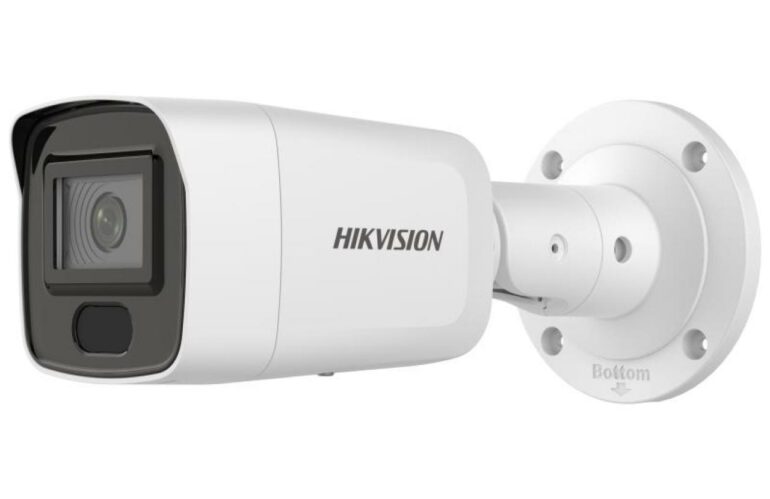
Authorized dealer · Certified installers · Charlotte, NC headquarters
360 Technology Group is an authorized Hikvision dealer and certified installer
We have been selling, installing, programming and servicing Hikvision systems across North and South Carolina since 2018 — more than 8 years. Our scope covers Hikvision ColorVu, AcuSense and DeepinView cameras, NVRs, thermal imaging, HikCentral and iVMS software.
- Authorized Hikvision dealer — we quote and supply genuine Hikvision equipment, licensing and subscriptions.
- Certified Hikvision installers — our technicians install, wire, program, commission and document the system.
- Repair and takeover — we service, troubleshoot, expand and take over existing Hikvision installations we did not originally install.
- 24/7 emergency service — on-call service technicians for emergency repairs, plus scheduled preventive maintenance.
We cover every city in North Carolina and South Carolina from our Charlotte headquarters. Request a quote or service call Call 704-726-4254
Video and security management
Hikvision iVMS-4200, Hik-Connect and HikCentral software guide
Choose software by ownership, scale, device family, remote-access policy and required workflow. iVMS-4200, Hik-Connect and HikCentral are not interchangeable login pages for the same service.
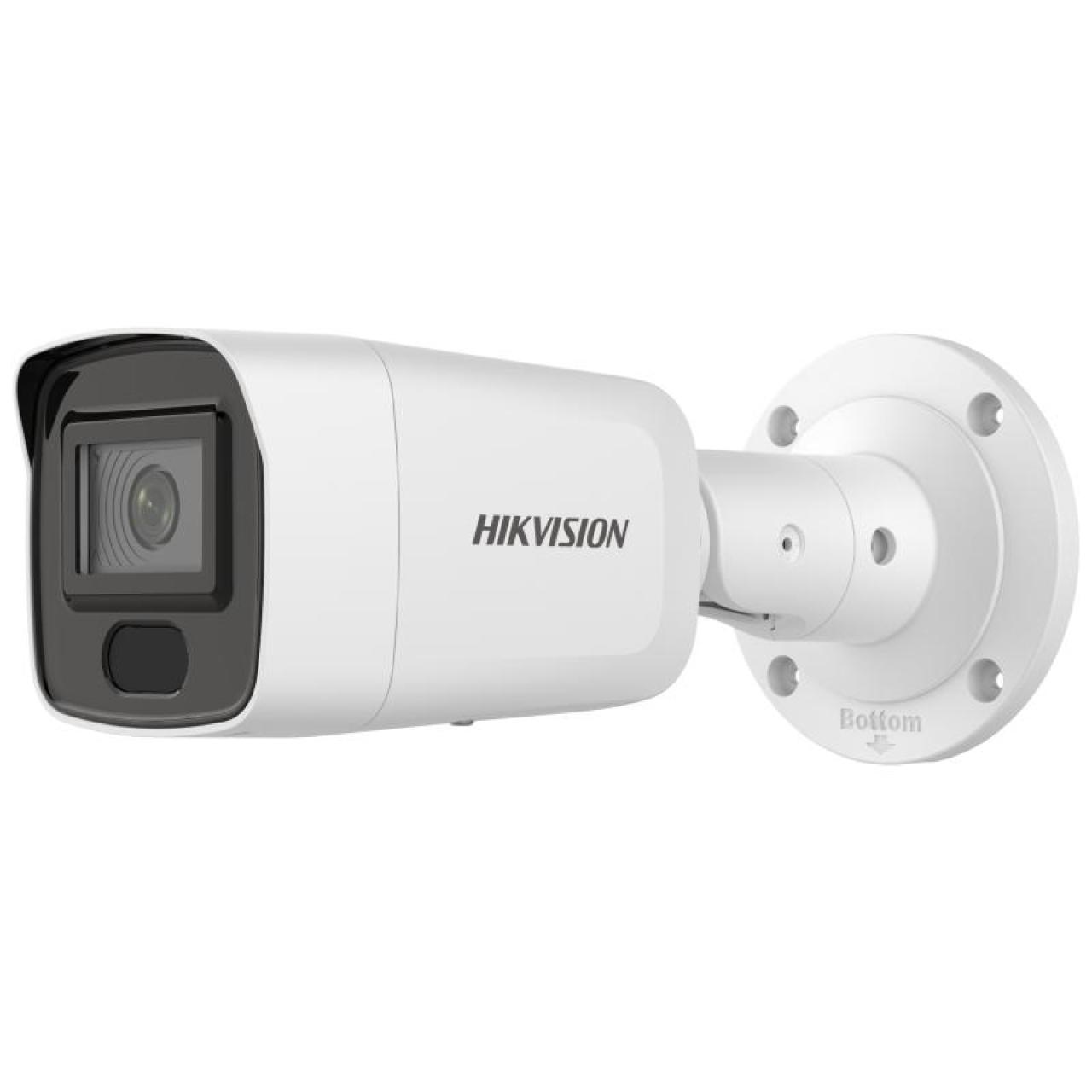
Which Hikvision platform fits the task?
iVMS-4200
PC/Mac client family for supported device configuration and unified local operations. Hikvision documents live view, playback, recording download, events and management of supported DVRs, NVRs, cameras, access, intercom and alarm devices.
Hik-Connect
Account/app-based remote and mobile access for supported devices and services. Plan account ownership, sharing, verification, encrypted access, notifications and offboarding rather than attaching the system to an installer’s personal account.
HikCentral Professional
Server/platform approach for larger or more integrated operations. Scope licenses, servers, modules, clients, identity, alarms, maps, video, access and deployment architecture using the current official edition and documentation.
Account and system ownership checklist
| Layer | Record before deployment or takeover |
|---|---|
| Organization | Legal owner, administrators, MFA/recovery, support contacts, email/domain and change approval. |
| Devices | Exact model, serial, firmware, region, IP/MAC, activation state, verification code and current binding. |
| Software | Product/edition/version, client computers, server/database, licenses, device packs/plugins and backup path. |
| Evidence | Time/NTP, recording schedule, retention, export format/player, watermark/verification and authorized users. |
| Remote access | Approved cloud/VPN/direct path, firewall policy, bandwidth, mobile sharing, audit and revocation. |
Common search problems
- “iVMS-4200 login”: determine whether the prompt is the local client account, a device credential, a Hik-Connect account or a HikCentral user.
- “camera offline”: check device power, link, IP/routing, recorder reachability, time, password/lockout and platform status before deleting it.
- “cannot view remotely”: verify ownership/binding, service status, sharing, app permissions, encrypted verification and site internet.
- “video export failed”: confirm date/time, channel, recording availability, storage permissions, codec/player and available local space.
- “add to HikCentral”: verify supported model/firmware, module/license capacity, credentials, network path and certificate/security policy.
Hikvision installation, configuration and support
We install, commission, configure, integrate, maintain and service Hikvision cameras, recorders and supported management software. We also document administrator ownership, mobile access, recording, evidence export and recovery.