
Authorized dealer · Certified installers · Charlotte, NC headquarters
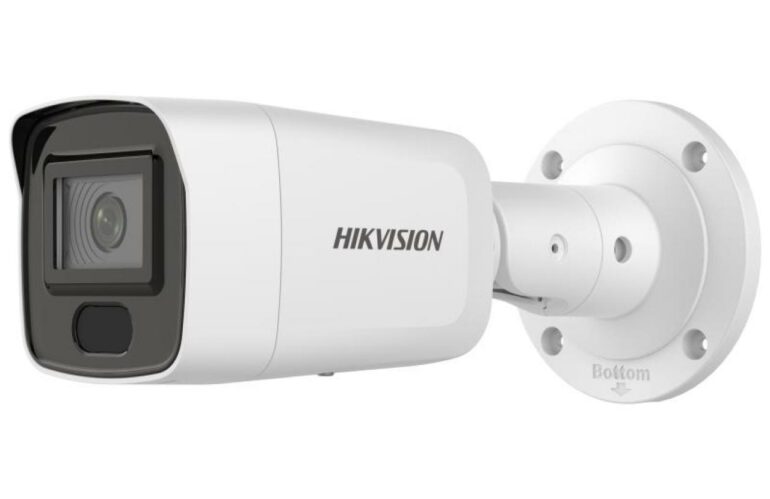
360 Technology Group is an authorized Hikvision dealer and certified installer
We have been selling, installing, programming and servicing Hikvision systems across North and South Carolina since 2018 — more than 8 years. Our scope covers Hikvision ColorVu, AcuSense and DeepinView cameras, NVRs, thermal imaging, HikCentral and iVMS software.
- Authorized Hikvision dealer — we quote and supply genuine Hikvision equipment, licensing and subscriptions.
- Certified Hikvision installers — our technicians install, wire, program, commission and document the system.
- Repair and takeover — we service, troubleshoot, expand and take over existing Hikvision installations we did not originally install.
- 24/7 emergency service — on-call service technicians for emergency repairs, plus scheduled preventive maintenance.
We cover every city in North Carolina and South Carolina from our Charlotte headquarters. Request a quote or service call Call 704-726-4254
Controlled device lifecycle
Hikvision firmware download, model, region and upgrade guide
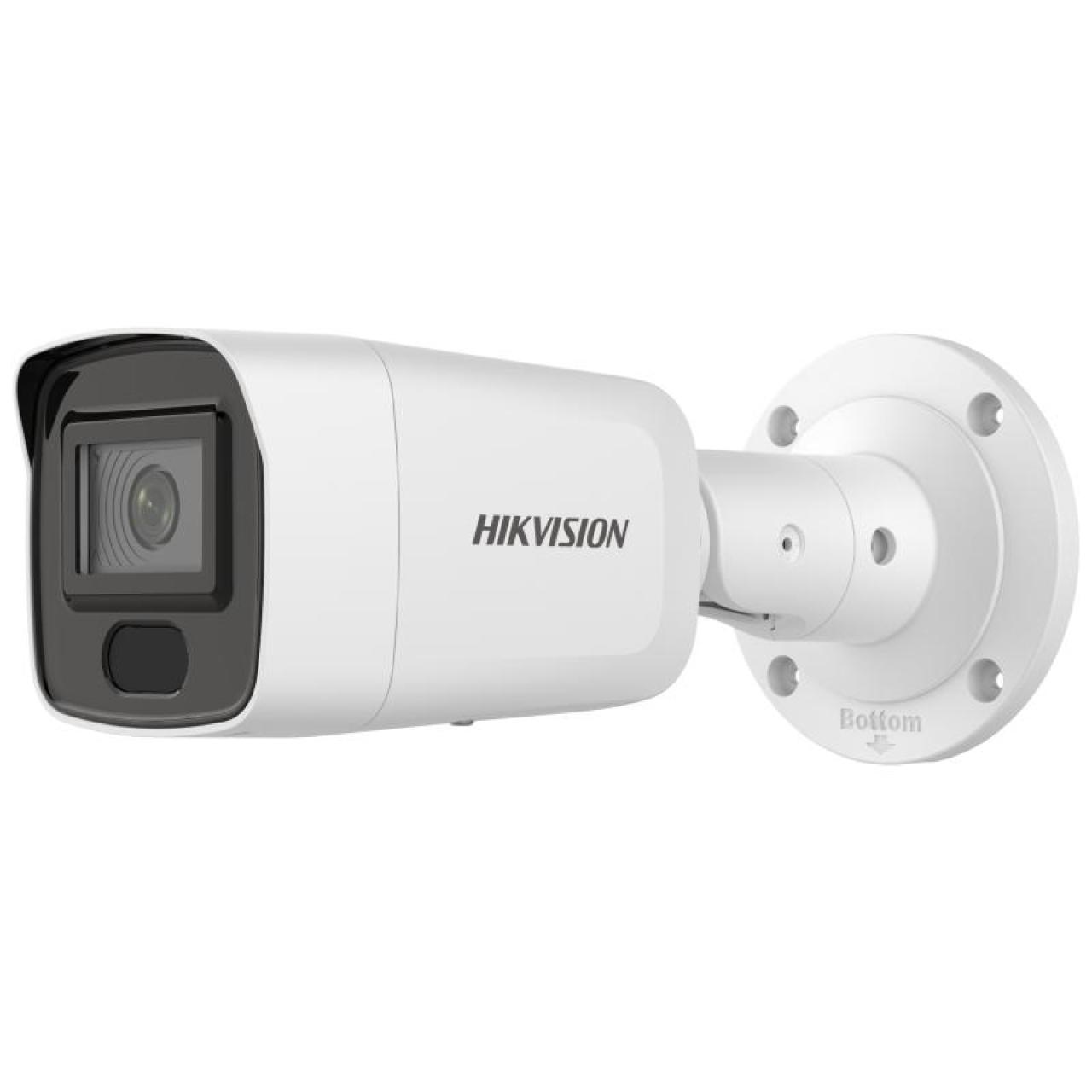
A similar-looking model number is not enough. Match the full label, platform/hardware generation, installed firmware lineage and sales region before choosing a package or upgrade sequence.
Evidence required before an upgrade
Identity and source
Photograph the complete label; record exact model, serial, hardware/encoding version, current firmware/build, purchase region and official support/download page.
Dependencies and recovery
Record NVR/VMS, cameras, apps/clients, integrations, plugins/device packs, storage/recording, licenses, passwords, exportable configuration and a supported recovery route.
Safe upgrade workflow
- Read official release notes, prerequisites, intermediate-version requirements, known issues and regional guidance.
- Export supported configuration and document critical camera, recording, network, event and user settings.
- Confirm stable power, network and maintenance window; do not interrupt transfer or reboot.
- Pilot a representative noncritical device when the estate is large or integrations are complex.
- Upgrade only through the method documented for that exact product—device UI, recorder, official client/tool or approved service path.
- After reboot, verify time, users, network, live/playback, recording, analytics, events, remote access, VMS/NVR compatibility and export.
- Record new version/build and test results; retain the recovery plan until the acceptance window closes.
Official tools and support boundaries
Hikvision’s HiTools area includes utilities for supported device discovery, configuration and design. Use the tool’s official page and current documentation. Discovery or password-recovery utilities are not substitutes for verified ownership, approved network access or secure administrator custody.
| Symptom after change | Check first |
|---|---|
| Camera missing from recorder/VMS | IP, credentials, protocol, certificate/security mode, supported firmware and device pack. |
| Analytics changed | Release notes, model-supported functions, calibration, target filters, schedule and event linkage. |
| No recording/playback | Time/NTP, schedule, storage status, stream/codec/resolution and recorder compatibility. |
| Remote app failure | Region/account binding, service status, verification/encryption, network/DNS and app compatibility. |
Hikvision maintenance and firmware service
We inventory installed systems, verify official packages, protect configurations, stage updates, test recording and integrations, and document results. Firmware work is quoted only after exact equipment and ownership are verified.