
Authorized dealer · Certified installers · Charlotte, NC headquarters
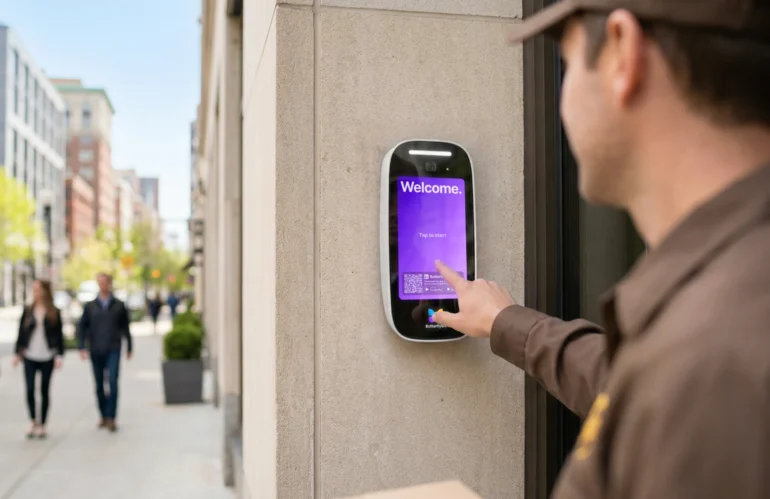
360 Technology Group is an authorized ButterflyMX dealer and certified installer
We have been selling, installing, programming and servicing ButterflyMX systems across North and South Carolina since 2018 — more than 8 years. Our scope covers ButterflyMX video intercom panels, access-control readers, package room, elevator and vehicle access, front desk and smart-lock integrations.
- Authorized ButterflyMX dealer — we quote and supply genuine ButterflyMX equipment, licensing and subscriptions.
- Certified ButterflyMX installers — our technicians install, wire, program, commission and document the system.
- Repair and takeover — we service, troubleshoot, expand and take over existing ButterflyMX installations we did not originally install.
- 24/7 emergency service — on-call service technicians for emergency repairs, plus scheduled preventive maintenance.
We cover every city in North Carolina and South Carolina from our Charlotte headquarters. Request a quote or service call Call 704-726-4254
Property staff and resident operations
ButterflyMX login, mobile app, Visitor Pass and support guide
Start with the correct role. Property administrators use ButterflyMX OS, residents and tenants use the mobile app, and certified partners use their installer resources. A login problem is not always an intercom or door-hardware problem.
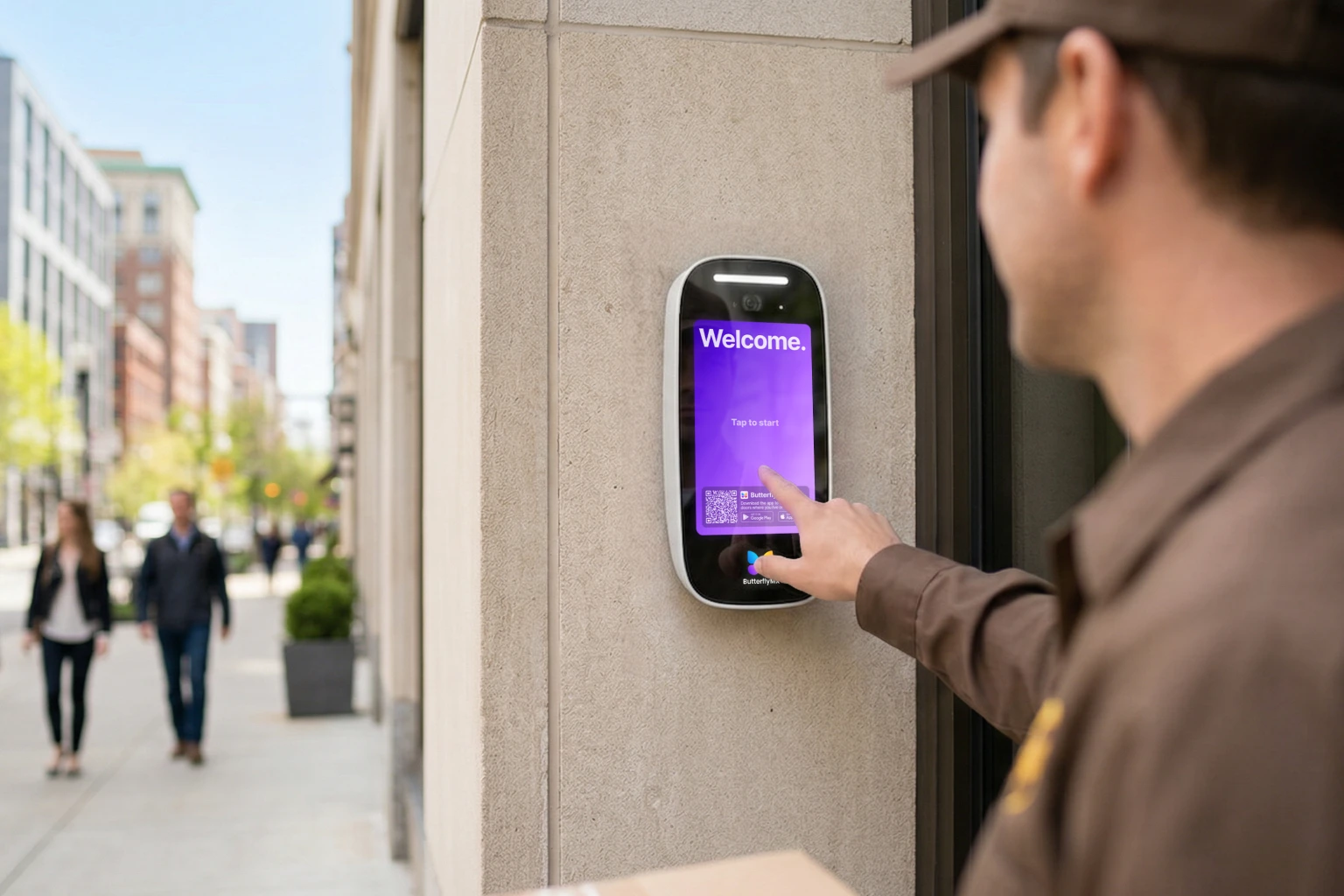
Which ButterflyMX experience do you need?
Property administrator
Use the official ButterflyMX login for the online management platform. Confirm the property, administrator role, MFA/recovery path and directory authority before editing residents, doors, schedules or integrations.
Resident or tenant
The property manager must first register the user’s email. The user then follows the invitation, creates an account and installs the official iOS or Android app. An app download alone does not enroll a person at a property.
Dealer or installer
Installer documentation, wiring and hardware setup belong in the official dealer resources. Field commissioning also requires authorized property access, exact product details and coordination with ButterflyMX support.
Mobile access, calls, PINs and Visitor Passes
| Workflow | What the user does | What staff should verify |
|---|---|---|
| Swipe/open | Uses the enrolled app to release an authorized door, gate, garage or elevator. | Correct user/property, active permission, phone connectivity/permissions and healthy controller/lock path. |
| Video call | Receives a visitor call and chooses whether to release entry. | Directory entry, notification permissions, network path, intercom audio/video and relay result. |
| Visitor Pass | Sends a time-limited QR code or supported PIN for managed guest access. | Intended entrance, start/end time, recipient, revocation and event record. A keypad accepts its supported PIN workflow, not every QR workflow. |
| Door PIN | Uses a permitted numeric code when configured. | Policy, sharing risk, expiration, supported device and audit responsibility. |
Troubleshoot by layer
- Check the official ButterflyMX status page and Help Center before changing field hardware.
- Confirm the person’s invitation, email, property, role and permission dates.
- Check mobile OS, current official app, Bluetooth/network/notification permissions and phone security.
- Test the same opening with another authorized credential to separate account/app from reader/controller/lock faults.
- At the door, verify power, network, controller, reader/intercom, relay, lock, REX, contact and safe egress.
- Record the affected property, entrance, product, time, event result and changes before escalating.
ButterflyMX installation, maintenance and support
We design, furnish, install, configure, commission, maintain and repair ButterflyMX video intercom, access-control, keypad, elevator, vehicle, camera and smart-lock deployments. We also help property teams separate account problems from network, controller and door-hardware faults.