
Authorized dealer · Certified installers · Charlotte, NC headquarters
360 Technology Group is an authorized Brivo dealer and certified installer
We have been selling, installing, programming and servicing Brivo systems across North and South Carolina since 2019 — more than 7 years. Our scope covers Brivo Access subscriptions, ACS300, ACS6000 and ACS6100 control panels, Brivo Smart Readers, Mobile Pass and physical credentials, Brivo Door Station, visitor management and Brivo video integrations.
We were recognized as one of Brivo’s top ten dealers in 2019, and have delivered Brivo projects ranging from a single door to several hundred doors.
- Authorized Brivo dealer — we quote and supply genuine Brivo equipment, licensing and subscriptions.
- Certified Brivo installers — our technicians install, wire, program, commission and document the system.
- Repair and takeover — we service, troubleshoot, expand and take over existing Brivo installations we did not originally install.
- 24/7 emergency service — on-call service technicians for emergency repairs, plus scheduled preventive maintenance.
We cover every city in North Carolina and South Carolina from our Charlotte headquarters. Request a quote or service call Call 704-726-4254
Cloud access-control selection framework
Brivo vs Kisi vs Avigilon Alta
Compare the installed system and operating model—not only the mobile app or a feature checklist. The right choice depends on doors, existing hardware, identity, video, visitor workflows and long-term support ownership.
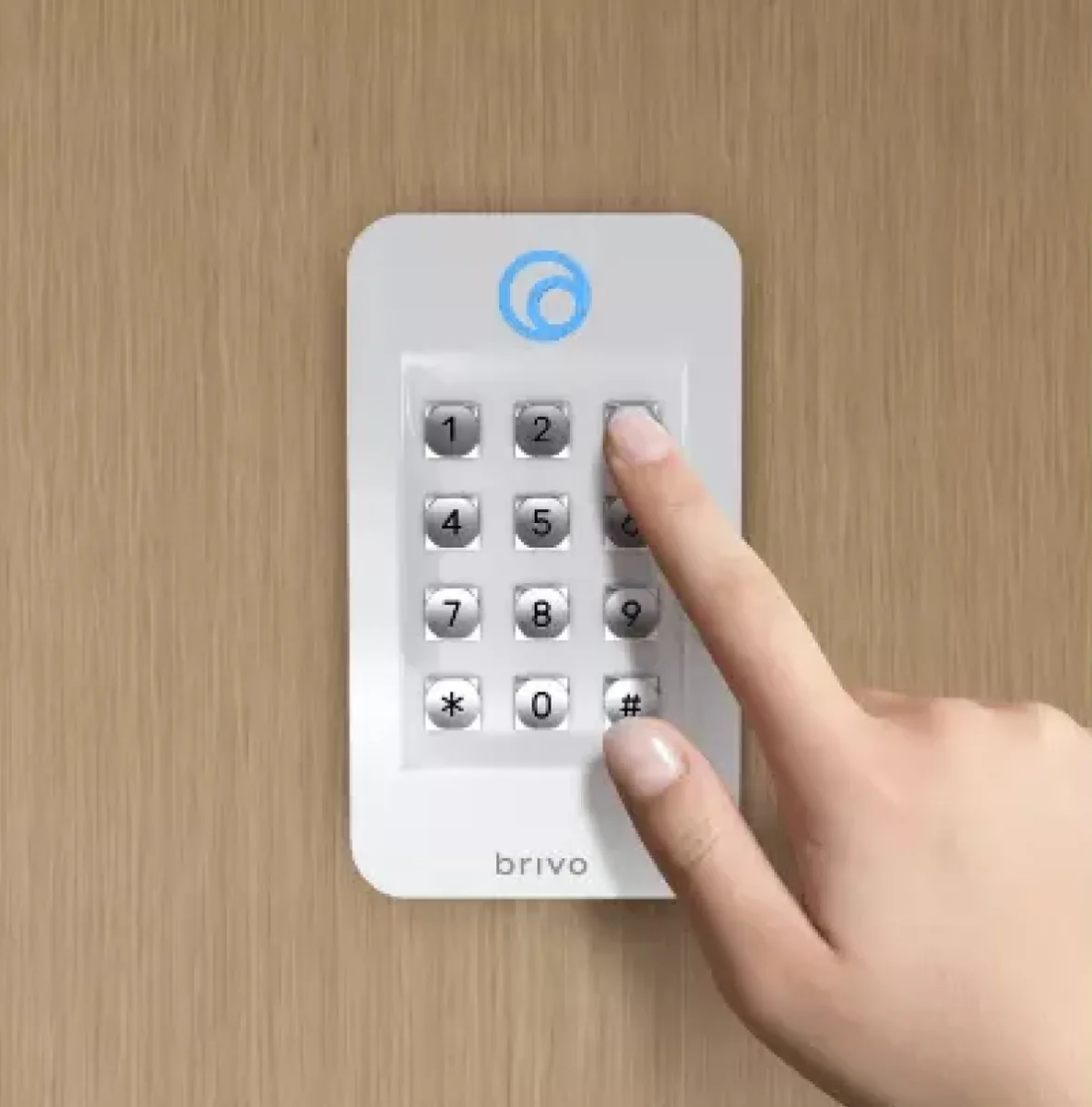
At-a-glance platform orientation
| Decision area | Brivo | Kisi | Avigilon Alta |
|---|---|---|---|
| Cloud management | Brivo Security Suite editions manage access and related security workflows across sites. | Kisi One Security Platform combines cloud-managed access with optional visitor, video, intrusion and analytics functions. | Alta Access provides cloud administration with Basic, Premium and Enterprise software tiers shown by Avigilon. |
| Field architecture | Brivo offers single- and multi-door controllers, smart readers and supported third-party or Mercury migration paths. | Kisi Controller Pro 2 and Reader Pro 2 support new deployments and documented reuse/migration options. | Alta offers controllers, boards, hubs, smart readers, supported wireless locks and Mercury migration paths. |
| Mobile and wallet access | Brivo Mobile Pass plus eligible Apple/Google Wallet options and supported physical credentials. | Kisi mobile access, Reader Pro 2 credential options and eligible employee badges in Apple Wallet. | Alta Open mobile credentials, guest passes and multiple physical credential options. |
| Identity and APIs | Identity Connector, SSO/SCIM options, integration marketplace and documented APIs. | SSO/SCIM and directory/integration options depend on selected Kisi licensing and integrations. | API/webhooks and identity synchronization are described within Alta’s cloud access platform and tiers. |
| Video relationship | Brivo describes Brivo/Eagle Eye video integration and access-event association. | Kisi describes video capabilities and integrations within its modular platform. | Avigilon describes native Alta Access and Alta Video unification, including access-event video workflows. |
Questions that usually decide the platform
What must be reused?
Inventory panels, readers, credentials, locks, cable, wireless locks and power. A statement such as “works with existing hardware” is not a compatibility result. Record exact models, interfaces, firmware and supported migration path.
Which application owns identity?
Decide whether HR, Okta, Microsoft Entra ID or another directory is authoritative. Compare SSO, SCIM, group mapping, credential issuance, deprovisioning latency and exception handling.
How should video and intercom work?
Write the operator journey for an access event, visitor call or investigation. Determine whether native unification, a supported integration or separate applications are acceptable.
Who supports the complete door?
Cloud support cannot correct a failed lock, damaged cable, poor door alignment or unpowered controller. Assign software, network, panel, reader, lock and life-safety responsibilities in the service plan.
Compare cost on one common scope
Do not compare one vendor’s public software starting point with another vendor’s fully installed proposal. Give every bidder the same site list, door schedule, credential quantities, integrations, retention, working hours, reuse assumptions, testing and support requirements.
- One-time hardware and installation by opening.
- Recurring platform, door, credential, video, visitor, identity and support charges.
- Required gateways, controllers, licenses, professional services and minimum commitments.
- Migration, training, documentation and system-takeover work.
- Five-year expansion, replacement and subscription assumptions.
Run a proof of concept against real workflows
- Provision and revoke one physical and one mobile credential through the approved identity path.
- Test normal, denied, held, forced, scheduled and communications-loss door behavior.
- Retrieve an access event with related video where the design includes it.
- Exercise a visitor/intercom release from call through event record.
- Test a controller, reader or network exception and confirm alerting and recovery.
- Export approved evidence using the intended administrator role.
- Document which requirements are native, licensed add-ons, integrations, custom work or unsupported.
Official sources for a current comparison
Turn the comparison into an installable design
We can survey the site, document the existing system and compare Brivo, Kisi and Avigilon Alta against the same acceptance criteria.
Avigilon Alta and Unity owner and buyer resources
Use these Avigilon resources to connect Alta and Unity research with surveyed design, installation, configuration, migration, maintenance and support in North and South Carolina.
Official Brivo software, firmware and support
Use these manufacturer-owned portals for current downloads, release notes, manuals, advisories and technical resources. 360 Technology Group links to official sources and does not copy or host firmware files.
Update carefully: confirm the exact model, region, hardware revision, installed version, prerequisites, required intermediate releases, support entitlement, integrations, backup, maintenance window, rollback limitations and post-update tests. The wrong package or sequence can interrupt service or prevent a downgrade.
Some portals require a customer, dealer, certified-technician or active-support login. Cloud-managed products may update automatically and may not offer a public firmware file.