
Authorized dealer · Certified installers · Charlotte, NC headquarters
360 Technology Group is an authorized Brivo dealer and certified installer
We have been selling, installing, programming and servicing Brivo systems across North and South Carolina since 2019 — more than 7 years. Our scope covers Brivo Access subscriptions, ACS300, ACS6000 and ACS6100 control panels, Brivo Smart Readers, Mobile Pass and physical credentials, Brivo Door Station, visitor management and Brivo video integrations.
We were recognized as one of Brivo’s top ten dealers in 2019, and have delivered Brivo projects ranging from a single door to several hundred doors.
- Authorized Brivo dealer — we quote and supply genuine Brivo equipment, licensing and subscriptions.
- Certified Brivo installers — our technicians install, wire, program, commission and document the system.
- Repair and takeover — we service, troubleshoot, expand and take over existing Brivo installations we did not originally install.
- 24/7 emergency service — on-call service technicians for emergency repairs, plus scheduled preventive maintenance.
We cover every city in North Carolina and South Carolina from our Charlotte headquarters. Request a quote or service call Call 704-726-4254
IT and physical-security architecture
Brivo API, Okta, SSO and identity integration
Choose the supported identity pattern before automating users, groups, credentials or access rights—and test the complete joiner, mover and leaver workflow.
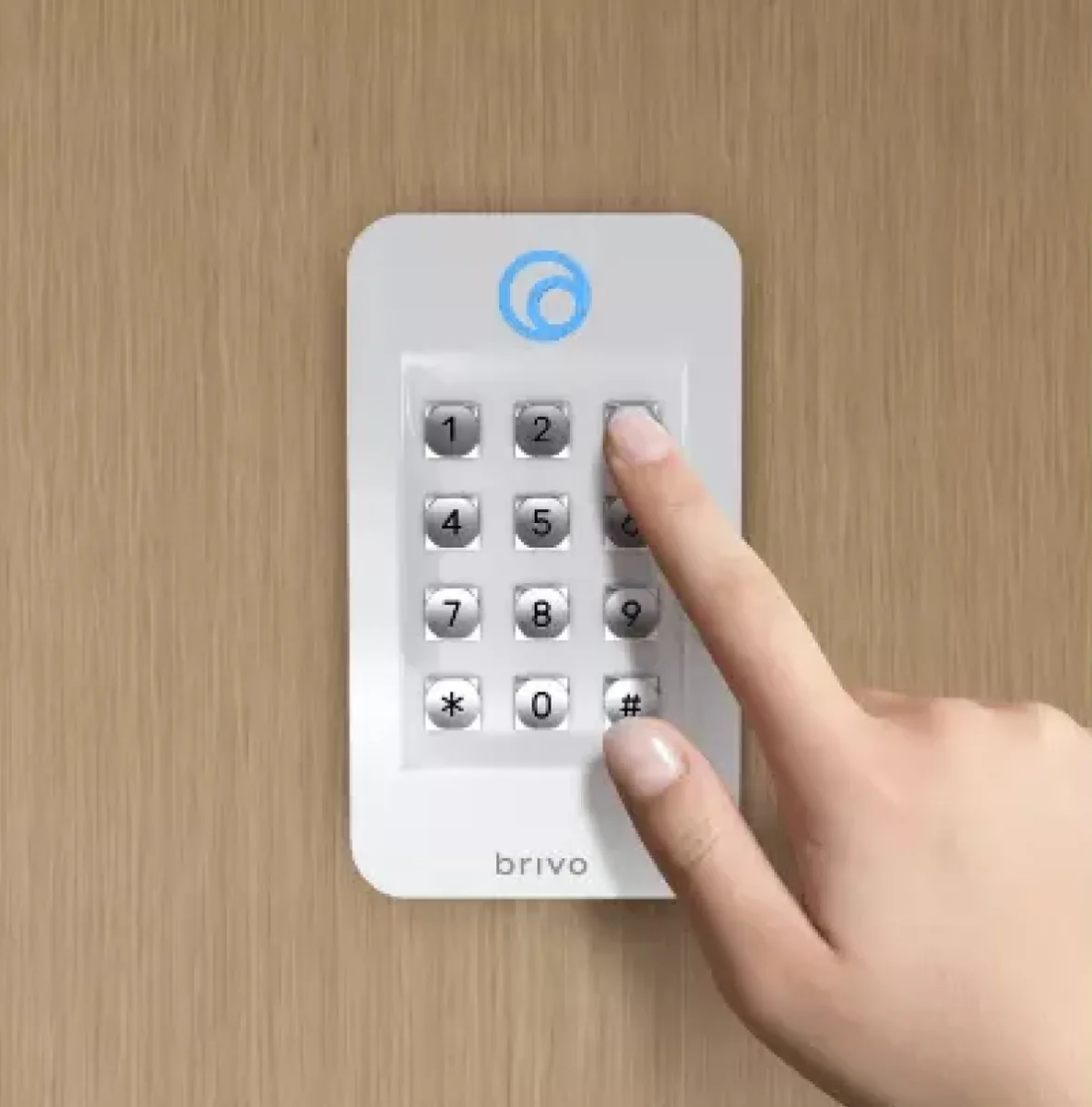
Four integration patterns to distinguish
| Pattern | Purpose | Questions to resolve |
|---|---|---|
| Single sign-on | Authenticate Brivo administrators through the organization’s identity provider and its MFA policies. | Which administrators, IdP groups, roles, break-glass accounts and session policies apply? |
| SCIM / Identity Connector | Provision, update and deactivate users or groups from Okta, Microsoft Entra ID or another supported directory. | Which directory is authoritative, how are attributes mapped and what happens to credentials on disablement? |
| Brivo open API | Build or connect applications that use supported Brivo data and operations. | Is a supported marketplace integration already available? Which edition, API entitlement, sandbox and production approval are required? |
| Events and downstream workflows | Send approved access events or context to security, workplace, video or business applications. | Which events, retention, privacy, webhook security, retry logic and monitoring are required? |
Joiner, mover and leaver design
Joiner
Create the person from the authoritative identity, map approved location or role groups, issue the intended credential and record any manual approval that must occur before physical access becomes active.
Mover
Change access when department, location, employment status or role changes. Define whether old groups are removed before new groups are granted and how exceptions are reviewed.
Leaver
Disable physical access within the approved timeframe, revoke or suspend credentials, preserve required event history and verify that downstream access is not left active.
The official Brivo Identity Connector information states that Brivo supports SAML-based SSO and SCIM-based synchronization with directories including Okta and Microsoft Entra ID. Confirm the current edition and entitlement before design.
Integration discovery checklist
- Authoritative source for identity and the unique identifier that will survive name or email changes.
- Selected Brivo edition, Identity Connector/API entitlement and supported integration version.
- Mapping between directory groups, Brivo groups, sites, doors, schedules and credential types.
- Rules for contractors, visitors, shared accounts, service accounts and people without standard directory records.
- SSO, MFA, least-privilege roles and emergency administrator recovery.
- Data classification, privacy, event retention and permitted downstream uses.
- Rate limits, authentication, secret storage, webhook validation, retry logic, alerting and audit logging for custom work.
- Sandbox, pilot population, rollback, production approval and ongoing ownership.
Acceptance tests that prove the workflow
- Create a pilot identity in the approved directory group and confirm the expected Brivo record and access scope.
- Change a mapped attribute or group and verify that old rights are removed and new rights appear within the approved interval.
- Disable the identity and verify credential behavior at a representative opening—not only the administrative screen.
- Exercise an invalid mapping, duplicate identity and unavailable connector/API condition.
- Confirm logs identify the source, action, time and outcome without exposing secrets.
- Test administrator SSO, MFA and the approved break-glass recovery procedure.
- Document reconciliation and exception handling for failed or delayed lifecycle changes.
Official developer and identity resources
Use the manufacturer’s current documentation and production-key process. Do not embed production secrets in scripts, public repositories, page builders or support tickets.
Coordinate IT and field access control as one project
360 Technology Group can support account planning, door installation, credential workflow, supported integration setup and acceptance testing with the client’s identity and security teams.
Official Brivo software, firmware and support
Use these manufacturer-owned portals for current downloads, release notes, manuals, advisories and technical resources. 360 Technology Group links to official sources and does not copy or host firmware files.
Update carefully: confirm the exact model, region, hardware revision, installed version, prerequisites, required intermediate releases, support entitlement, integrations, backup, maintenance window, rollback limitations and post-update tests. The wrong package or sequence can interrupt service or prevent a downgrade.
Some portals require a customer, dealer, certified-technician or active-support login. Cloud-managed products may update automatically and may not offer a public firmware file.